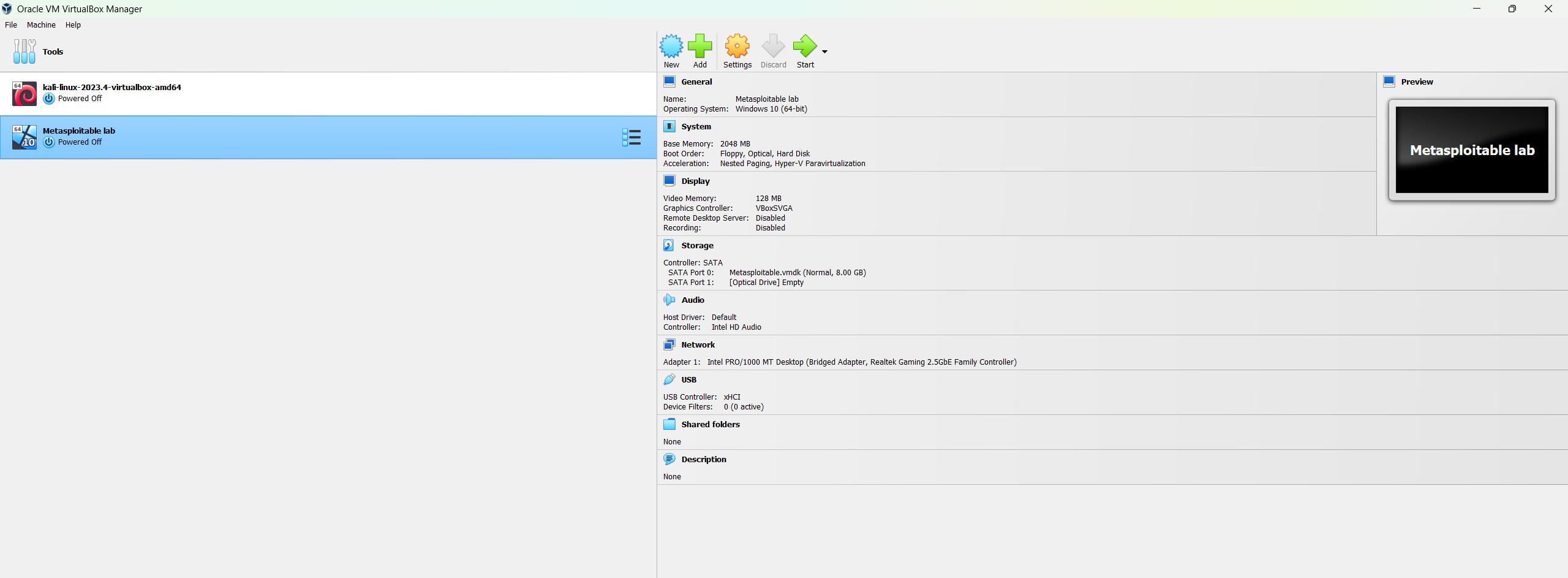
A Virtual Machine (VM) is a compute resource that uses software instead of a physical computer to run programs and deploy apps. One or more virtual “guest” machines run on a physical “host” machine. Each virtual machine runs its own operating system and functions separately from the other VMs, even when they are all running on the same host. This means that, for example, a virtual MacOS virtual machine can run on a physical PC.
Virtual machine technology is used for many use cases across on-premises and cloud environments. More recently, public cloud services are using virtual machines to provide virtual application resources to multiple users at once, for even more cost efficient and flexible compute.
Virtual machines (VMs) allow a business to run an operating system that behaves like a completely separate computer in an app window on a desktop. VMs may be deployed to accommodate different levels of processing power needs, to run software that requires a different operating system, or to test applications in a safe, sandboxed environment.
-----------------------------------------------------------------------------------------------------------------------------
Use Case:
Virtual machines have historically been used for server virtualization, which enables IT teams to consolidate their computing resources and improve efficiency. Additionally, virtual machines can perform specific tasks considered too risky to carry out in a host environment, such as accessing virus-infected data or testing operating systems. Since the virtual machine is separated from the rest of the system, the software inside the virtual machine cannot tamper with the host computer.
------------------------------------------------------------------------------------------------------------------------------------------
Advantages of Virtual Machines
Virtual machines are easy to manage and maintain, and they offer several advantages over physical machines:
VMs can run multiple operating system environments on a single physical computer, saving physical space, time and management costs.
Virtual machines support legacy applications, reducing the cost of migrating to a new operating system. For example, a Linux virtual machine running a distribution of Linux as the guest operating system can exist on a host server that is running a non-Linux operating system, such as Windows.
VMs can also provide integrated disaster recovery and application provisioning options.
---------------------------------------------------------------------------------------------------
TYPES OF VIRTUALIZATION
1.Hardware virtualization: When virtualizing hardware, virtual versions of computers and operating systems (VMs) are created and consolidated into a single, primary, physical server. A hypervisor communicates directly with a physical server’s disk space and CPU to manage the VMs. Hardware virtualization, which is also known as server virtualization, allows hardware resources to be utilized more efficiently and for one machine to simultaneously run different operating systems.
2. Software virtualization: Software virtualization creates a computer system complete with hardware that allows one or more guest operating systems to run on a physical host machine. For example, Android OS can run on a host machine that is natively using a Microsoft Windows OS, utilizing the same hardware as the host machine does. Additionally, applications can be virtualized and delivered from a server to an end user’s device, such as a laptop or smartphone. This allows employees to access centrally hosted applications when working remotely.
3. Storage virtualization: Storage can be virtualized by consolidating multiple physical storage devices to appear as a single storage device. Benefits include increased performance and speed, load balancing and reduced costs. Storage virtualization also helps with disaster recovery planning, as virtual storage data can be duplicated and quickly transferred to another location, reducing downtime.
4. Network virtualization: Multiple sub-networks can be created on the same physical network by combining equipment into a single, software-based virtual network resource. Network virtualization also divides available bandwidth into multiple, independent channels, each of which can be assigned to servers and devices in real time. Advantages include increased reliability, network speed, security and better monitoring of data usage. Network virtualization can be a good choice for companies with a high volume of users who need access at all times.
5. Desktop virtualization: This common type of virtualization separates the desktop environment from the physical device and stores a desktop on a remote server, allowing users to access their desktops from anywhere on any device. In addition to easy accessibility, benefits of virtual desktops include better data security, cost savings on software licenses and updates, and ease of management.