File management is one of the basic but important features provided by the operating system. File management in the operating system is nothing but software that handles or manages the files (binary, text, pdf, docs, audio, video, etc.) present in computer software.
The file system in the operating system is capable of managing individual as well as groups of files present in the computer system. The file system in the operating system tells us about the location, owner, time of creation and modification, type, and state of a file present on the computer system.
What is File Management in an Operating System?
Before learning about the file system in the operating system, let us first get a good grasp of operating systems and files.
Files is a collection of co-related information that is recorded in some format (such as text, pdf, docs, etc.) and is stored on various storage mediums such as flash drives, hard disk drives (HDD), magnetic tapes, optical disks, and tapes, etc. Files can be read-only or read-write. Files are simply used as a medium for providing input(s) and getting output(s).
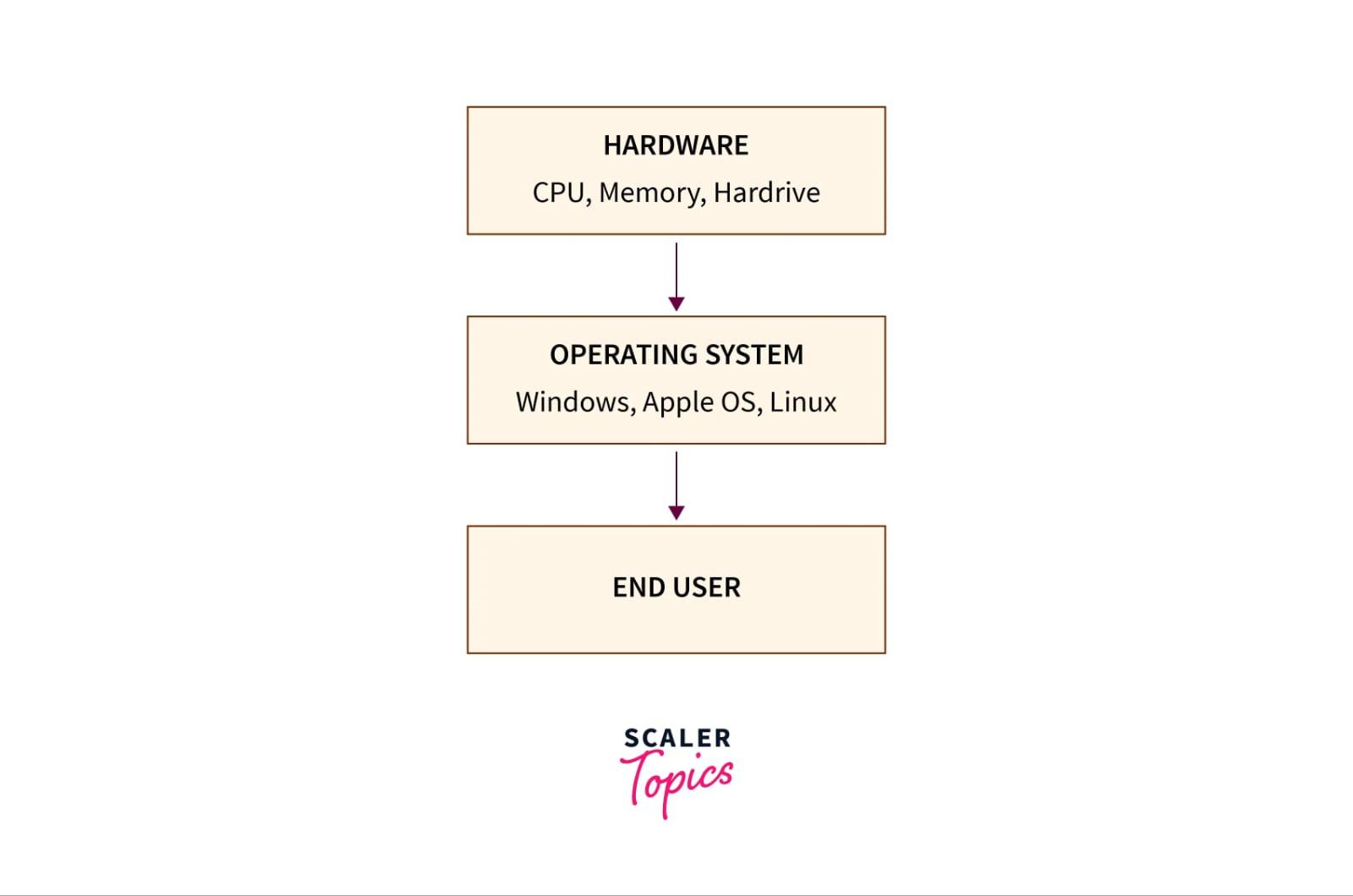
Now, an Operating System is nothing but a software program that acts as an interface between the hardware, the application software, and the users. The main aim of an operating system is to manage all the computer resources. So, we can simply say that the operating system gives a platform to the application software and other system software to perform their task.
Refer to the diagram below to understand the value and working of the operating system
There are three types of file structures present in the operating systems:
text file: A text file is a non-executable file containing a sequence of numbers, symbols, and letters organized in the form of lines.
source file: A source file is an executable file that contains a series of functions and processes. In simple terms, we can say that a source file is a file that contains the instructions of a program.
object file: An object file is a file that contains object codes in the form of assembling language code or machine language code. In simple terms, we can say that object files contain program instructions in the form of a series of bytes and are organized in the form of blocks.