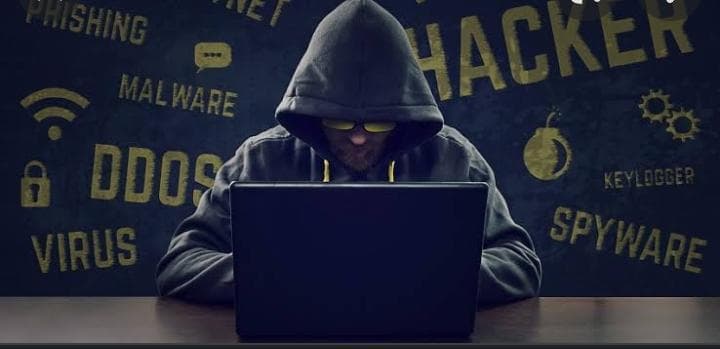
The advent of the digital era has certainly made us quite vulnerable when it comes to our virtual security. There are a whopping number of cybercrime related cases in the world, which leads us to believe that security is the need of the hour. The particular security breach we are discussing today is System Hacking.
Hacking refers to activities that seek to compromise digital devices, such as computers, smartphones, tablets, and even entire networks. And thus system hacking can be generally defined as a procedure of obtaining unauthorized access to a system and its resources.
It is impossible for you to completely secure your system (unless you are a security professional) on your own but you can follow certain steps that you can take on your end which will make you almost safe from this risk. Let us discuss them briefly:
1. Create Strong Passwords: The hackers need to first gain access into the system by authenticating themselves. One of the most important methods used by hackers in order to circumvent the standard authentication is password cracking. Instead of using obvious, easy to remember passwords (Birthdays, nicknames, etc) go for passwords that are complex (Long phrases with a mix of alphanumeric and special characters).
2. Use Proprietary Antivirus Software: Instead of the freely available antivirus softwares use the paid ones as they are more reliable. Think of them as an investment for your privacy and security.
3. Keep Updating the Antivirus Software Timely: Just buying proprietary software is not enough. You have to check that it updates timely. These updates are necessary as the signatures (patterns) of Zero Day Attacks (An attack that happens for the first time) are included in them.
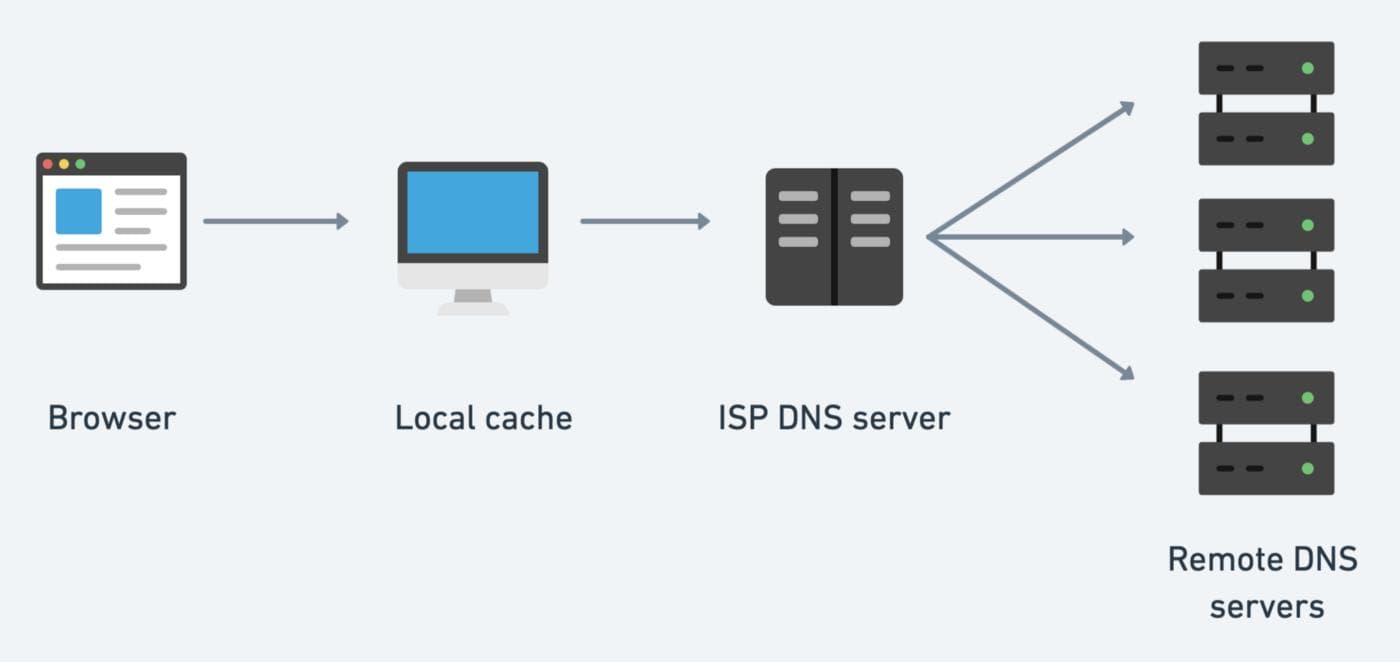
4. Resolve DNS Cache: DNS Flushing if done timely can reduce your chances of becoming a victim of Phishing.
5. Always Scan External Drives Before Use: It is mandatory that you use your antivirus software to scan any external drive or device (USB cables, etc) before accessing them through the system. It will save you from malwares and trojans.
6. Clear Your Temp Folder: System performance plays an important role in security as a slow machine can affect the speed of the antivirus and thus decrease its performance as well. So to keep your system up and running, clear your temp folder routinely and disable services that are not in use.
7. Clean Your System: Keeping your machine clean inside out is also important. Only cleaning it internally is not sufficient. You should also do it externally, that is, do things like updating your hardware once in a while, cleaning your keypad etc.
These are small initiatives that you can take on your end to keep safe from system hacking.