In Today’s world, smartphones are the most used devices by almost every age group. This makes them vulnerable and a free fish in the pond for the attacker.
People say they don’t have useful data in their phone or they are not prone to risk. Nah! this is where you are oblivious. Not only your phone number, name, personal data but also your media, messages and contacts are under the surveillance. Your messages may contain your transaction history, your OTPs and many other sensitive information.
“No technology that’s connected to the Internet is unhackable.”
Then How am I supposed to protect my assets? Though it is quite tricky, it is possible. You just need to identify your mistakes and correct them to safeguard your phone. Here are some of the common mistakes you may make while using your phone.
Free Wifi Or Public Wifi
Firstly, we need to understand that there is nothing called FREE! If you are enjoying free services, you are compromising your data.

Public Wi-Fi networks may be cheap but they are also a major security risk. Information sent over public Wi-Fi networks is visible to anyone on the network if they know how to view it. Hackers can easily steal your information and remotely access your device. If you must use a public Wi-Fi network, connect to the Internet using a VPN. Otherwise, use your mobile data network.
Giving apps unlimited permissions
You must think twice before permitting others to your information.
The solution to this problem is simple, “Think Before Clicking”.
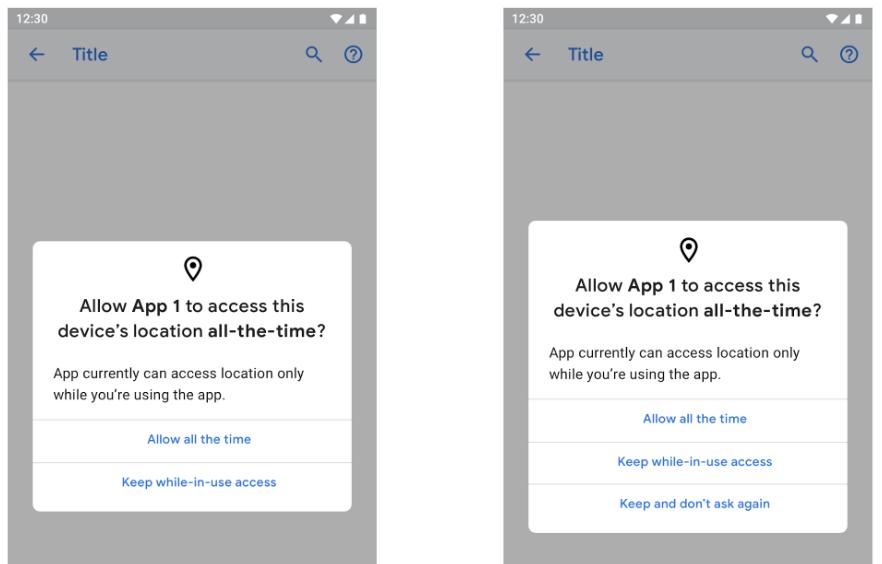
Many applications are asking for permission that they don’t even need.
Allowing permissions is like signing an agreement. Read it before Allowing. Restrict the app’s permissions or cancel the installation if you feel it’s asking for too much access.
Downloading untrustworthy apps and not verifying
Apps create the perfect disguise for hackers to place malware or spyware on your mobile device.
Do not download applications from unknown or unverified sources to avoid any complications. The clone or the unauthorized version of apps can cause a headache as it can be a store of malware.
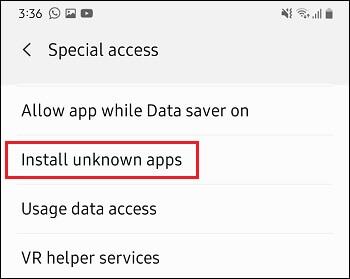
Check the source and verify the developer’s history, reviews, and other necessities before downloading and application.
Not Locking your phone
Nowadays, a smartphone without lock is an open locker for the attacker. Not locking your phone out of laziness could be your major fault. Also, using easy patterns and predictable numbers like birthdate, phone number, name or any other related figures are not securing your phone.
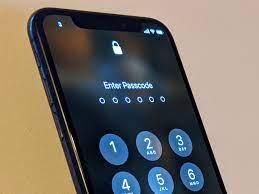
Use strong passwords and change them often to avoid any guesses. Also, your screen locking time should be minimum, that your phone should get lock if not assisted as soon as possible.
Simply Tapping On Links
It is harder to spot a fake login page on a smartphone than on a computer. Further, shortened URLs make it harder to detect illegitimate addresses.

The best defence is to avoid clicking on links sent via SMS or instant messaging apps. Also, always open email links using your computer.
Not Switching Off Bluetooth
Have you heard of the terms bluejacking, bluebugging or bluesnarfing? These all describe a situation where a hacker gains access to your phone using your Bluetooth connection. Using this technique, the hacker only needs to be at least 30 feet away from you and you'll never know what hit you. Within seconds, a Bluesnarfer can steal data such as confidential information and even login data to various sites. So, unless you are transferring or receiving a file, switch off your Bluetooth connection.

Forgetting To Log Out
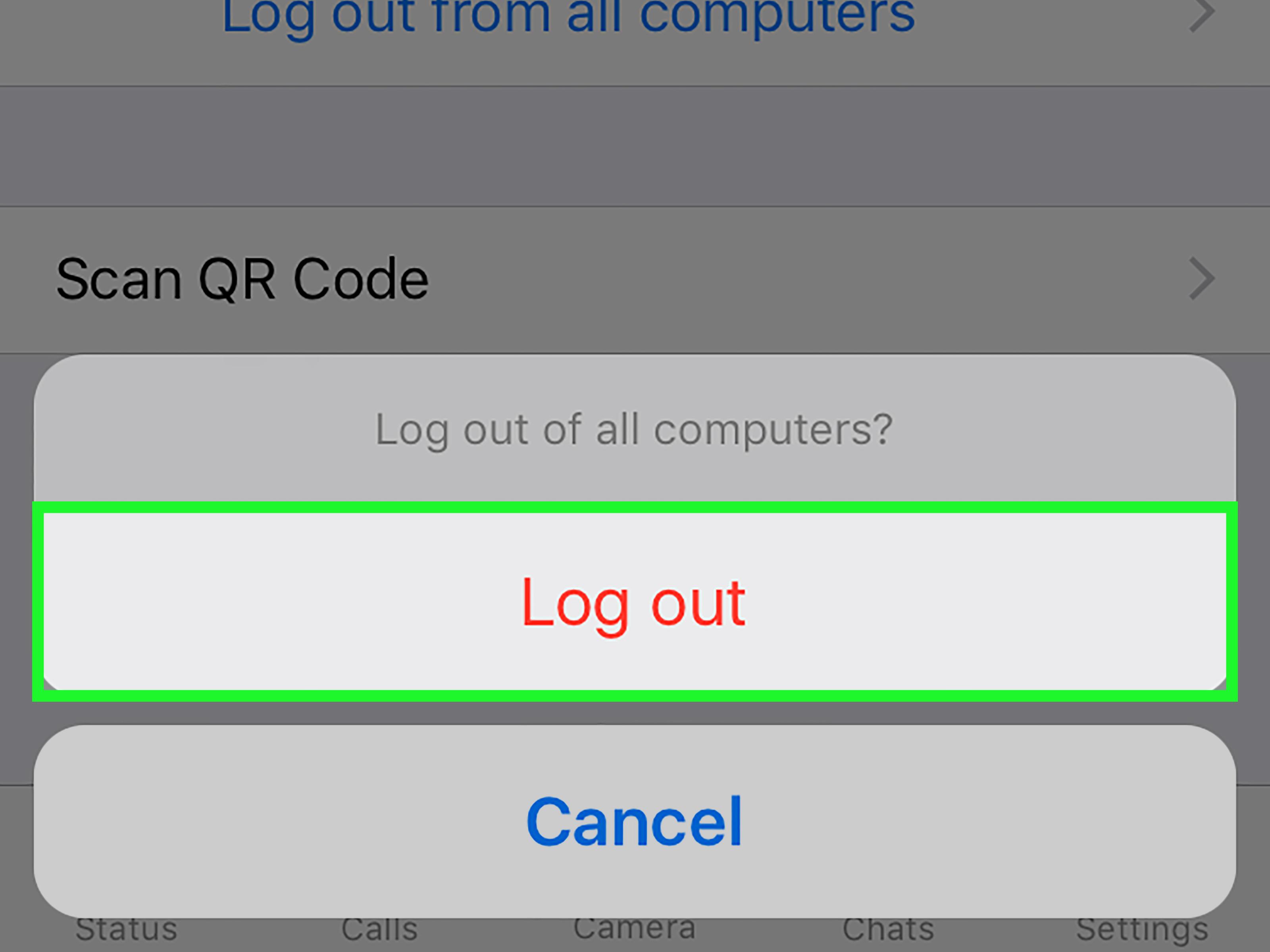
If you are always logged into PayPal, Amazon, eBay and other sensitive sites where your finances are within easy reach, you might as well leave your credit card lying on the table at your local eatery. Don't keep your phone permanently logged into such websites. Don't check the box in the app that asks to save your username and password. It is convenient not to have to log into the app every time but it exposes you to considerable financial risk.
The same goes for a browser. If you log into sensitive sites such as mentioned above, do not give the browser permission to save your username and password. Also, make sure you clear your browser history after surfing for sensitive material.
Though these are very common things to do in daily life, it can save you from many major crises. A stitch in time saves nine. In addition to this, even professionals can make mistakes, so being an IT expert doesn’t guarantee you your security with assurance.