The information provided by website should be used for educational purpose only, website will not be held responsible in the event any criminal charges be brought against any individuals misusing the information in this website to break the law.
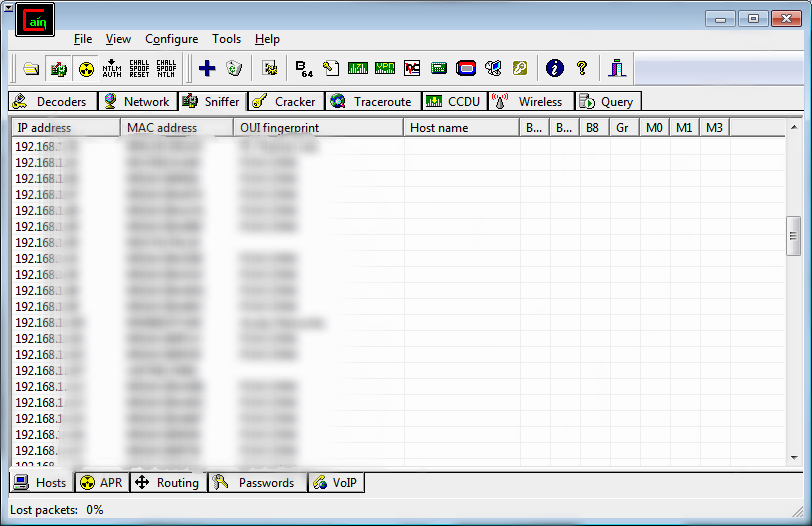
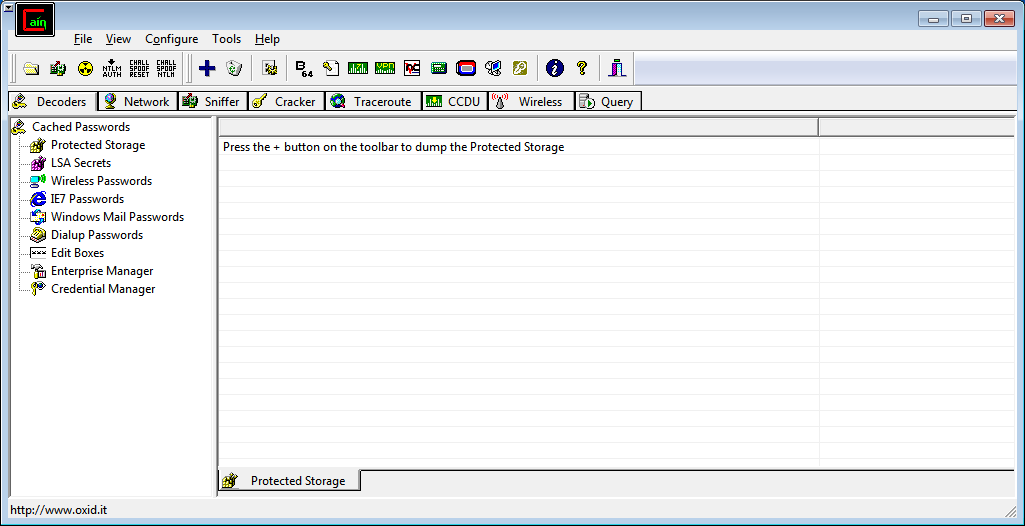 Click on Sniffer
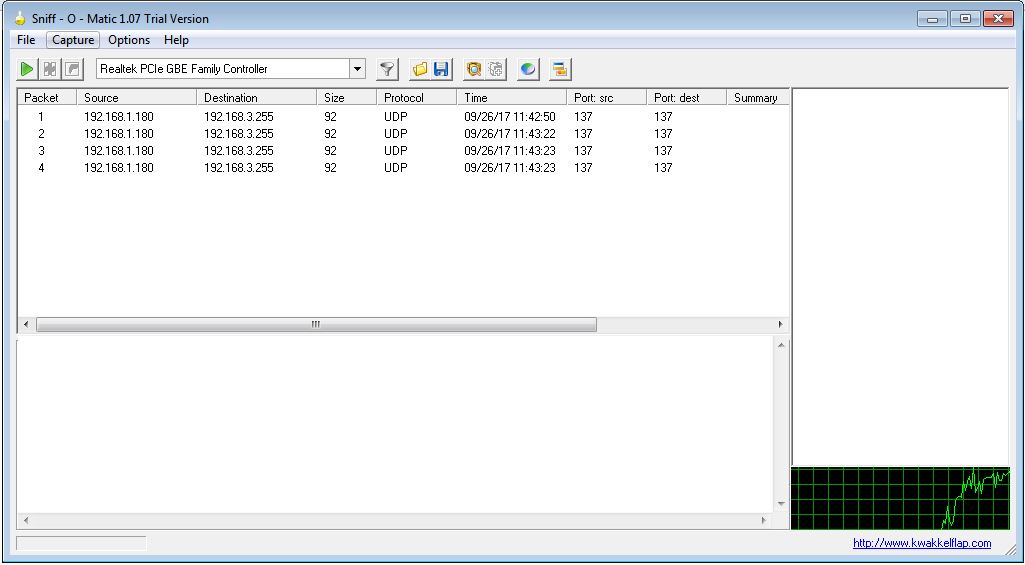
  to Sniff the network and start APR
  too.
too.
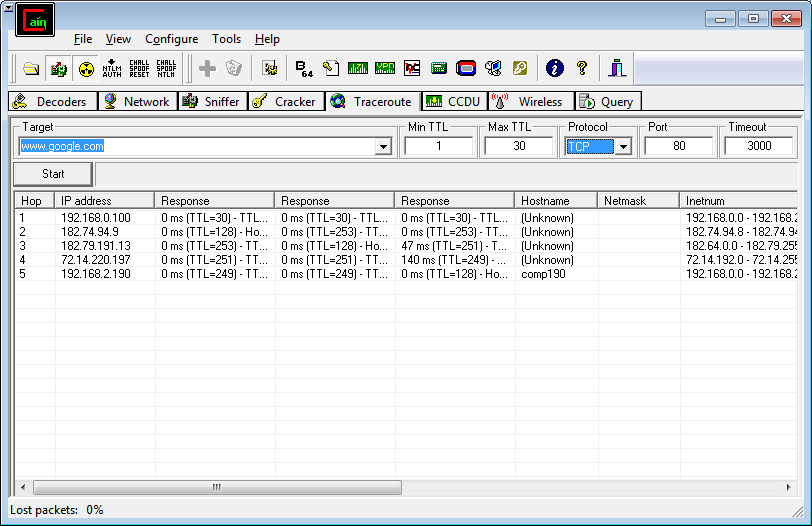
 Go to Traceroute tab and enter target ip or domain name to trace the route.
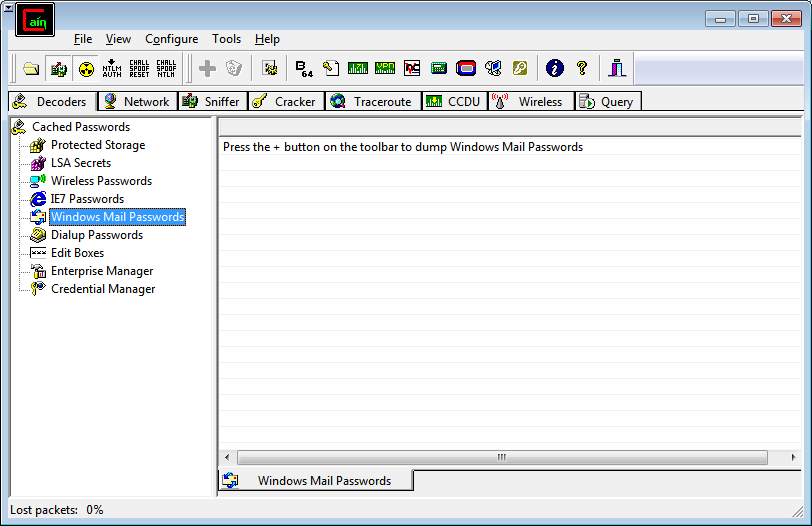
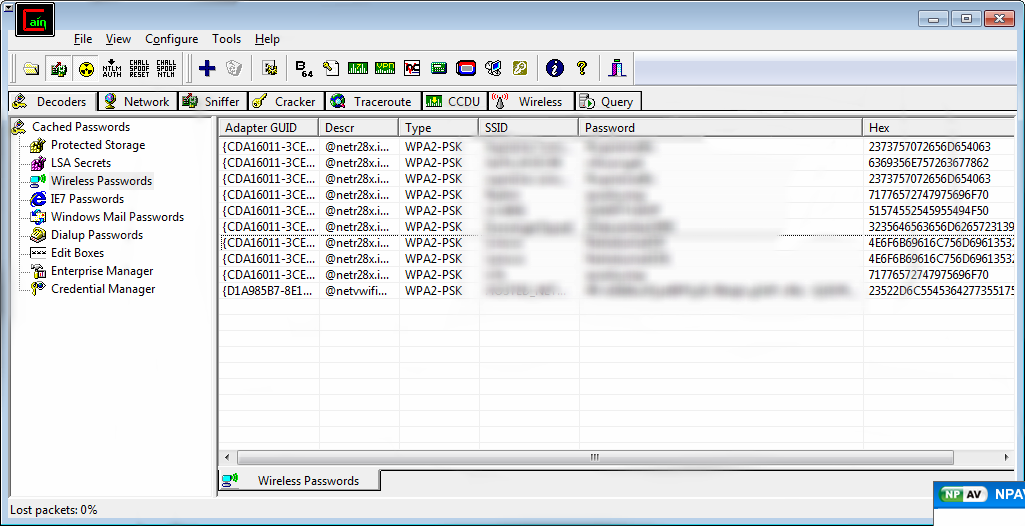 Click on
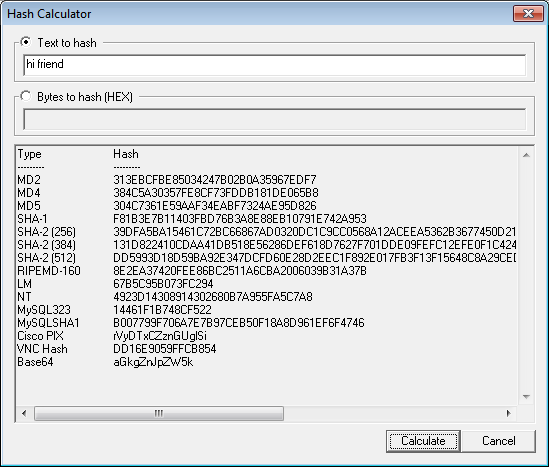
  hash calculator to calculate hash.
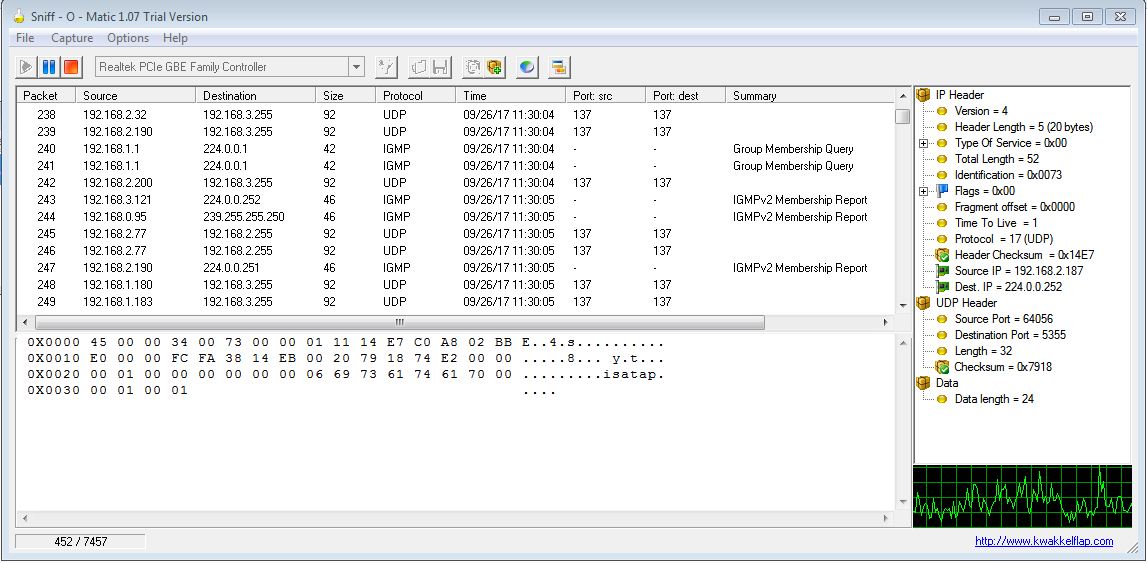
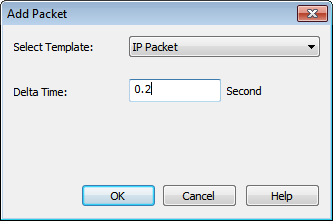 Left panel shows the packets information and right panel shows the total no packet.
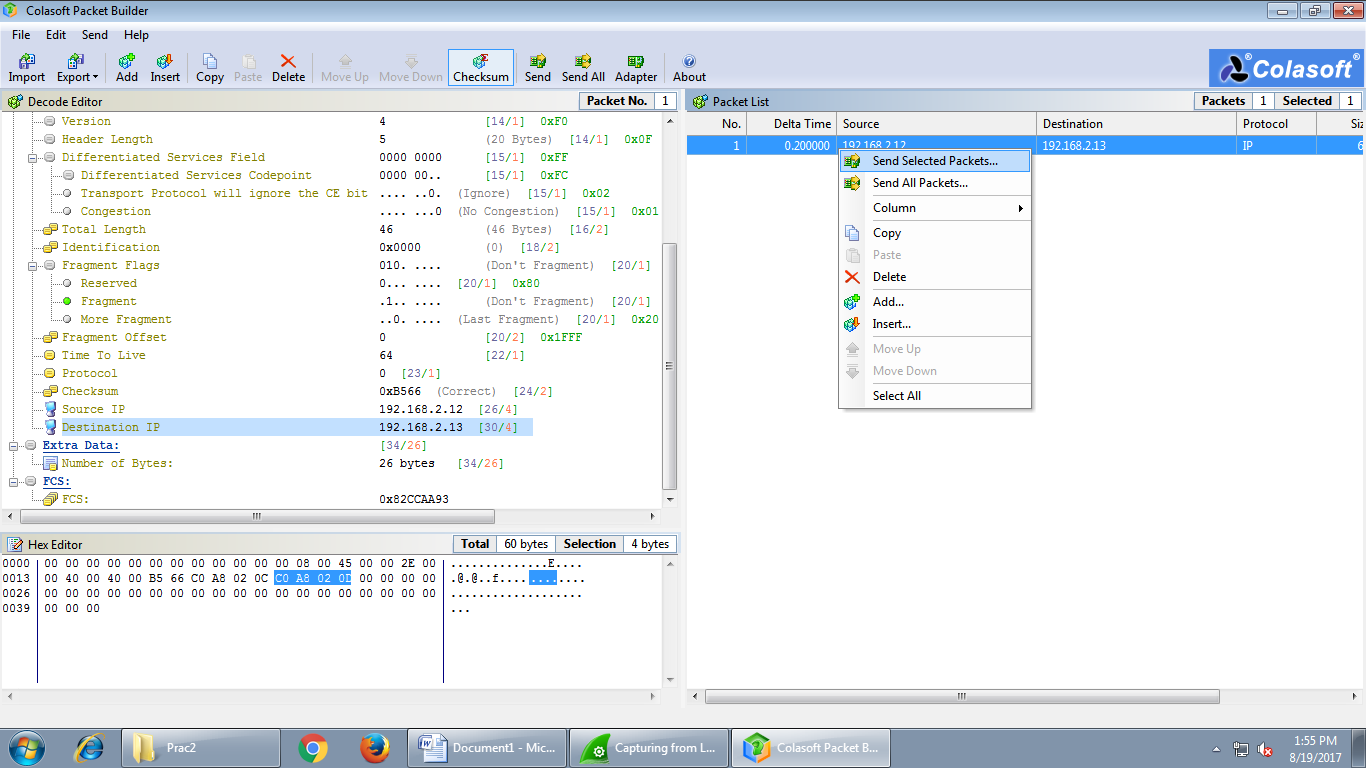
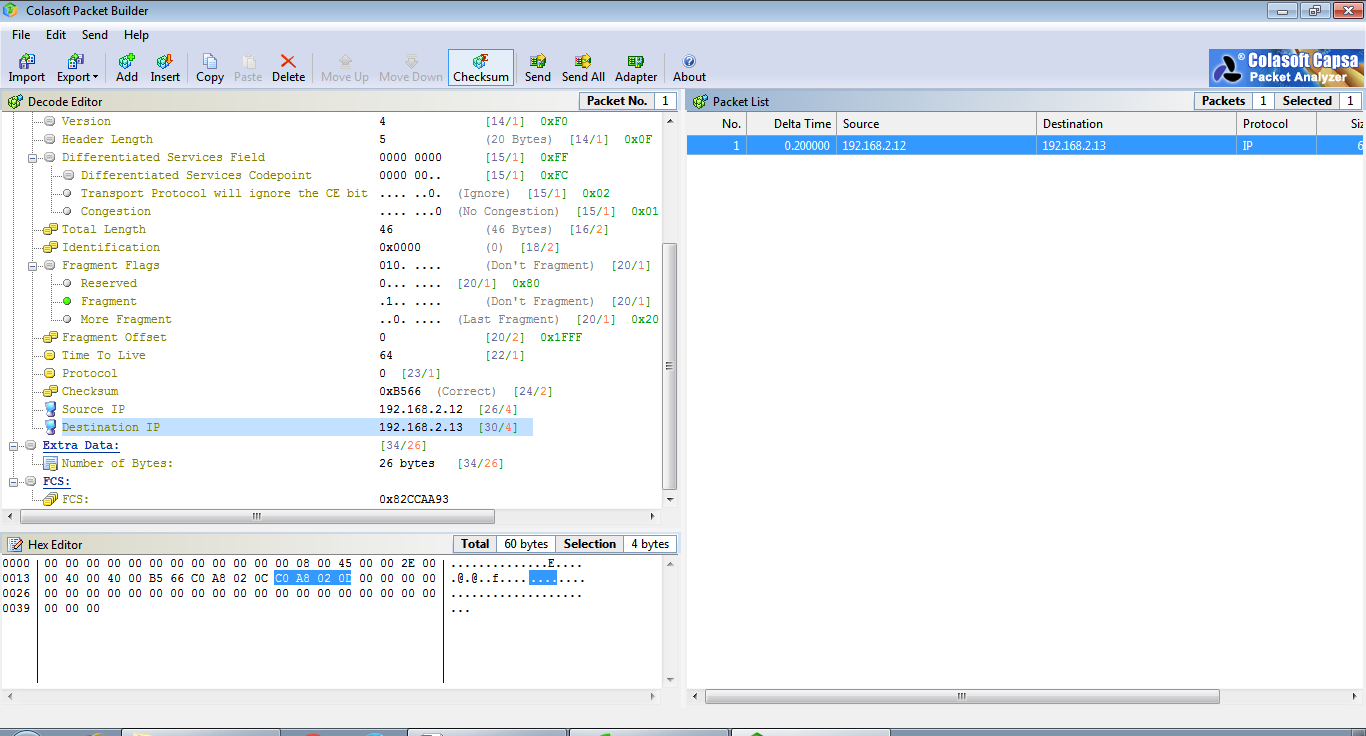 Right Click on the packet and select Send Selected Packets.
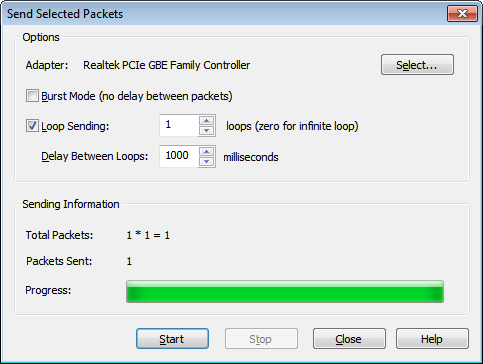
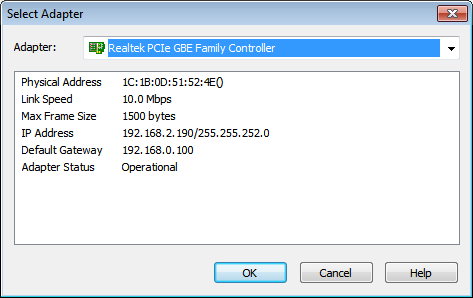
 Check the Loop Sending and click on ‘Select’ to choose Adapter and then Click on start to send packets.
 select interface.
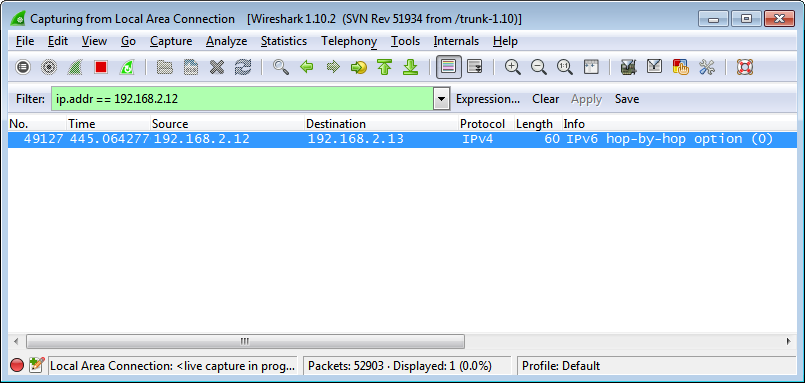
 In Wireshark we can see the packets moving from source to it’s destination.
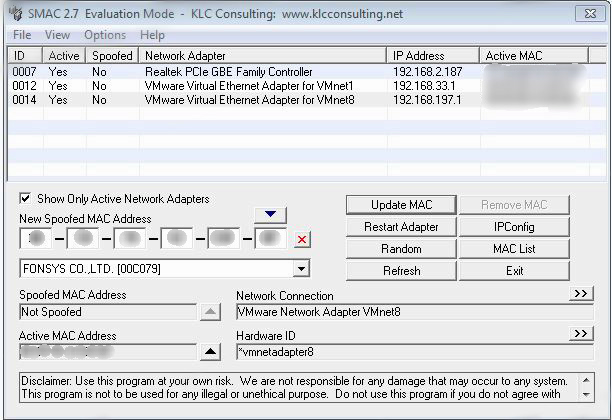
 SMAC
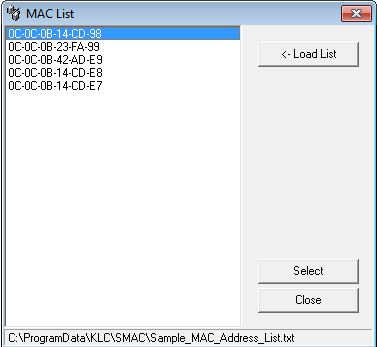
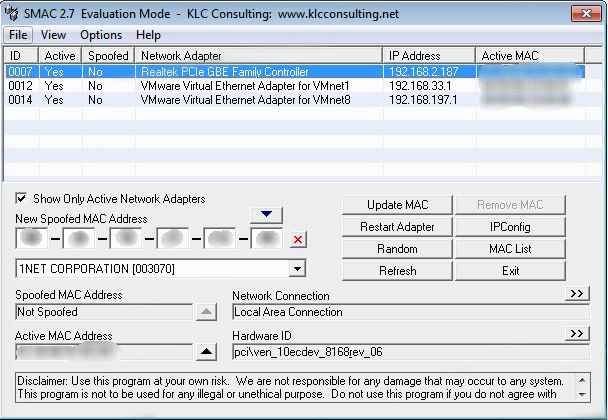
Open SMAC tool and select MAC List.
SMAC
Open SMAC tool and select MAC List.
 Select Load List from Sample_MAC_Address_List.txt file and click ok.
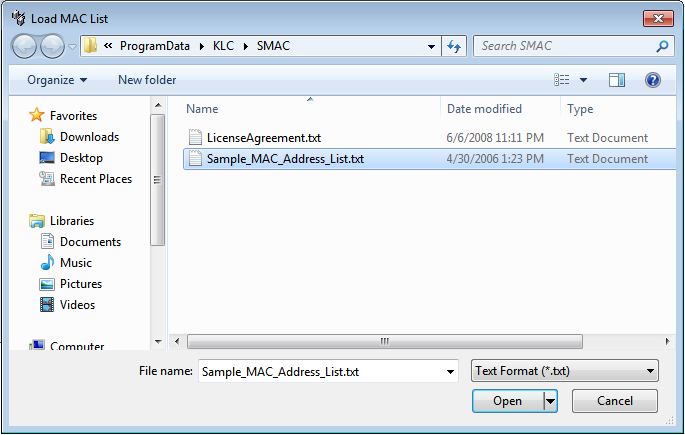 And the list of MAC address will be displayed and select one mac address.
 Or Click on Random to generate the fake MAC address randomly.
 Click on to update the MAC Address.
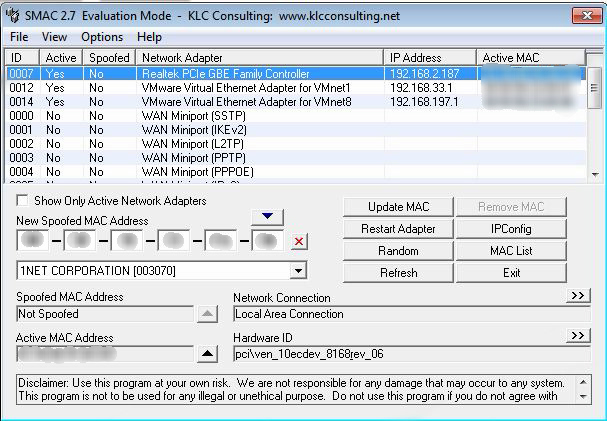
 Unchecke Checkbox to see Inactive Network Adapter.
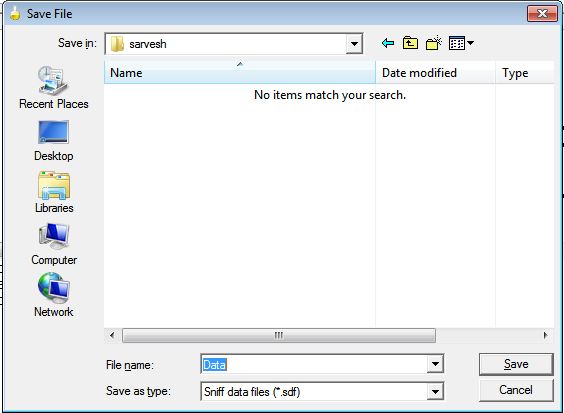
 We can save the scanned record
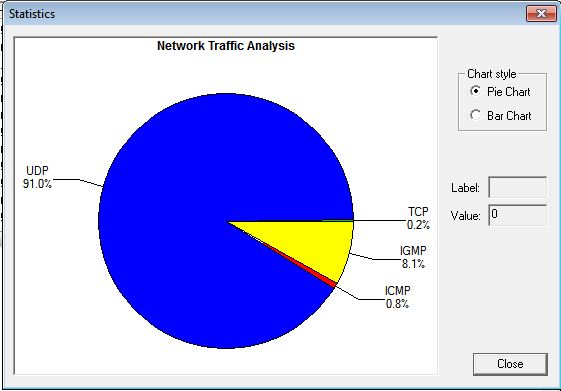
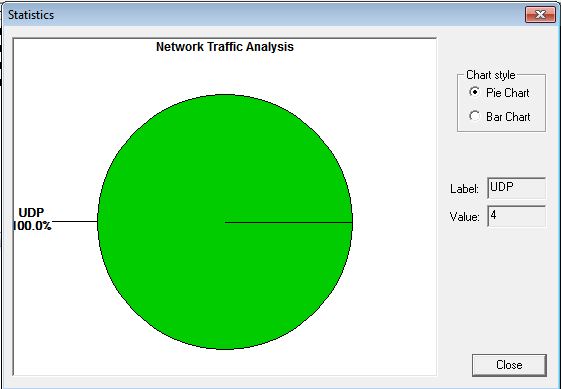
 Click on
  to view the result in pie chart based on the protocol used.
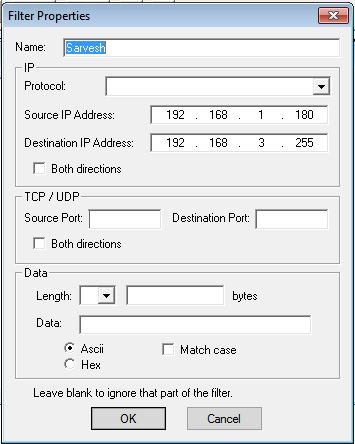
 Click on Add to add the filter
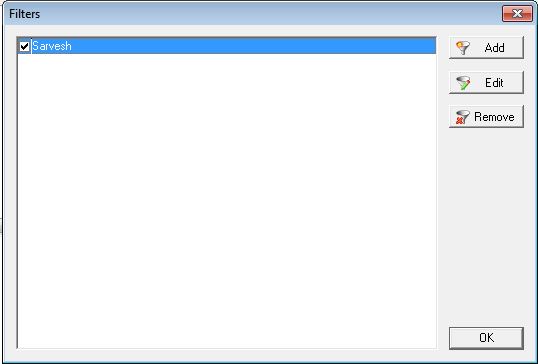 Click on OK and re-scan the network.
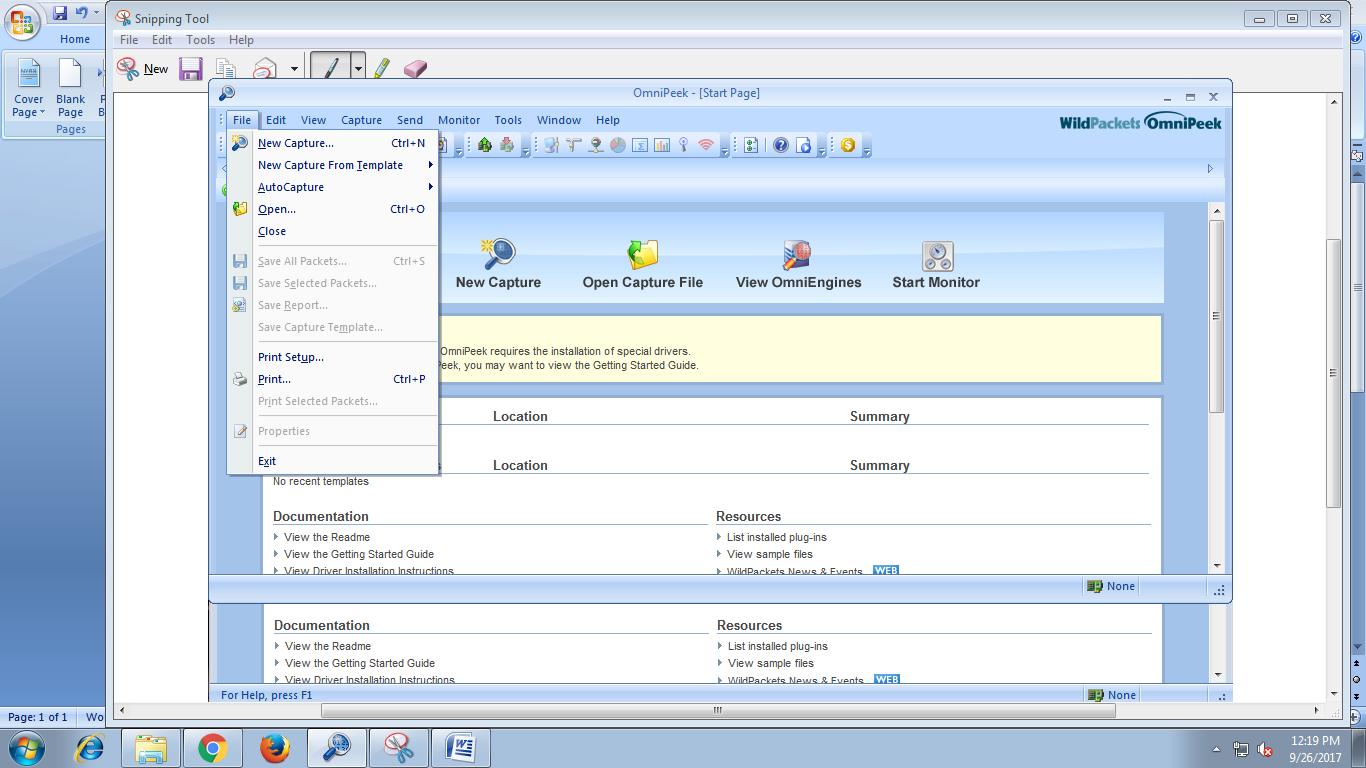
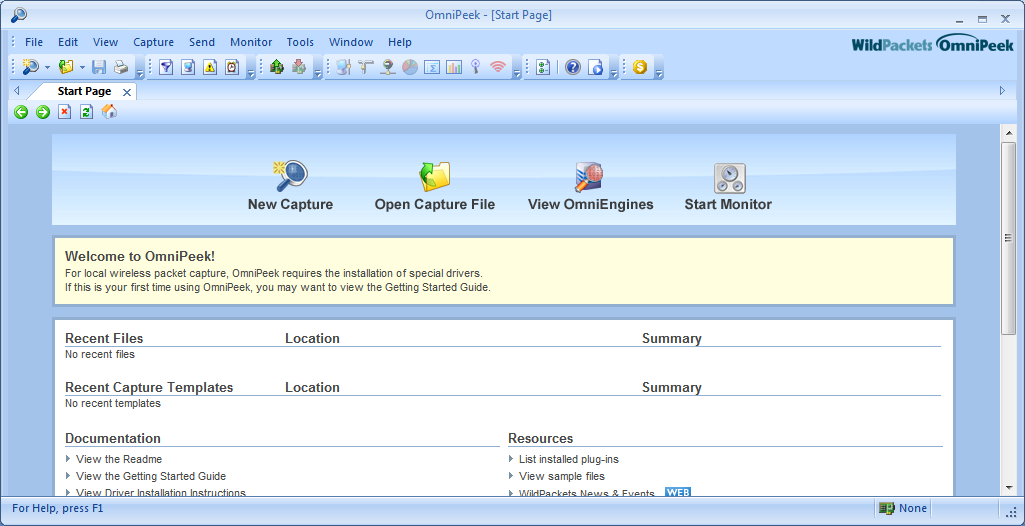 Click on File --> New Capture
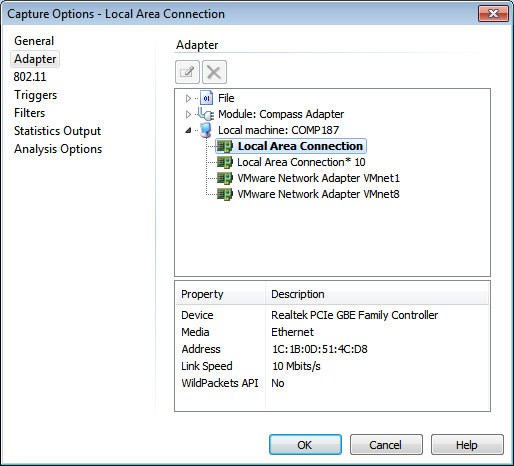
 Select Local Area Network Adapter and click OK.
 And capture tab will create automatically, and the packet will be captured and we can see them in better GUI Form.
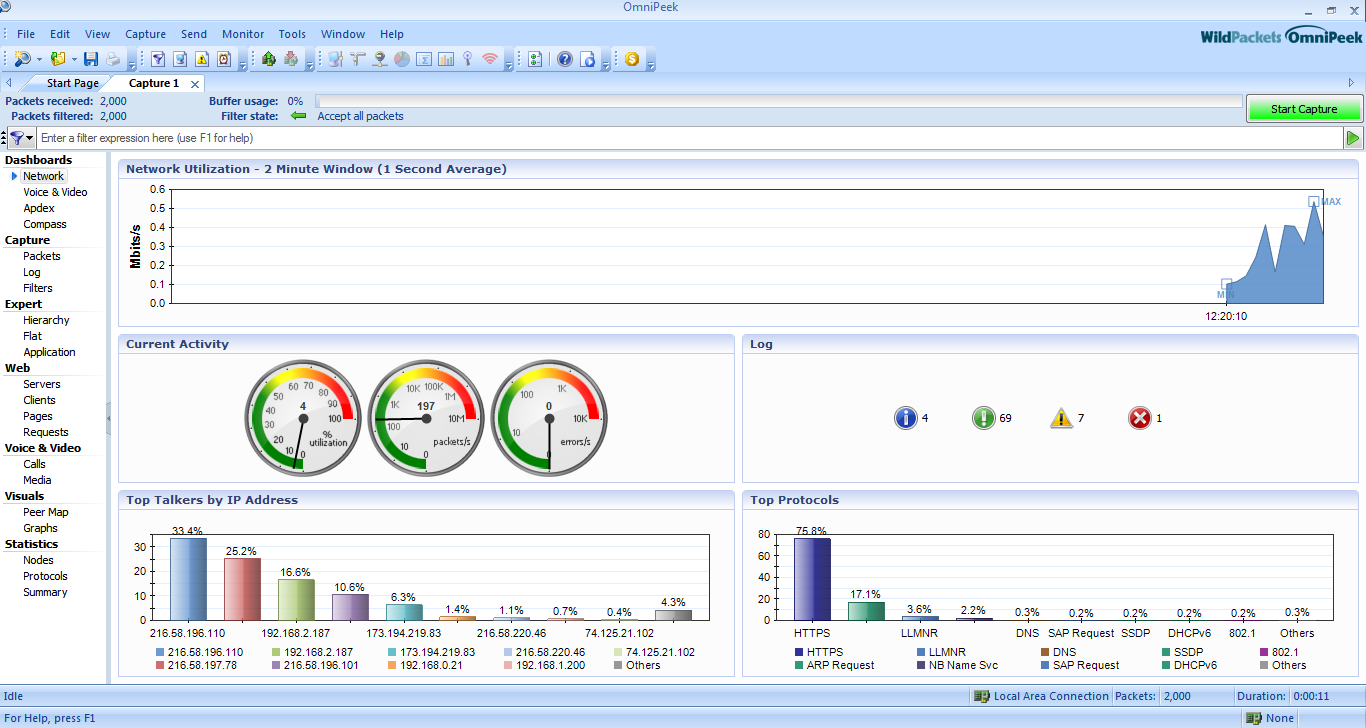 We can analyse different parameters given in the Dashboard of the tool.
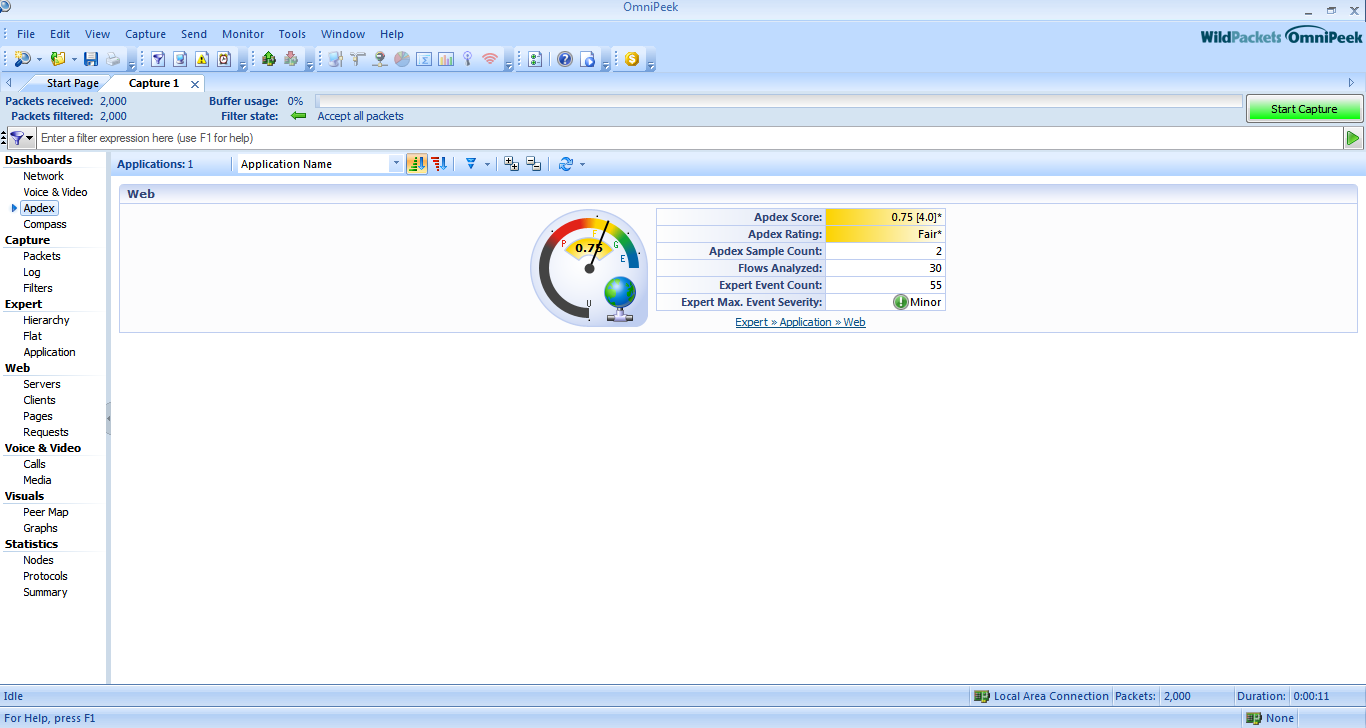 Log
Log
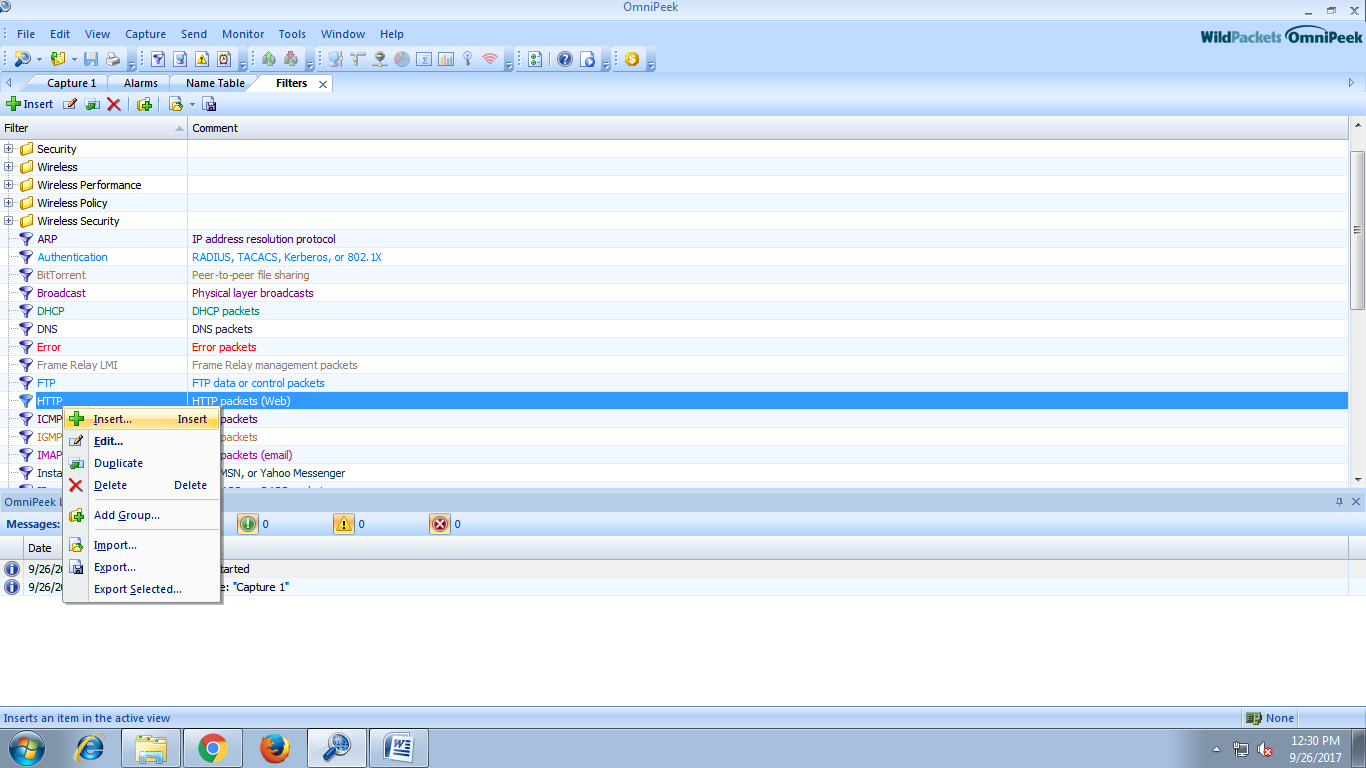
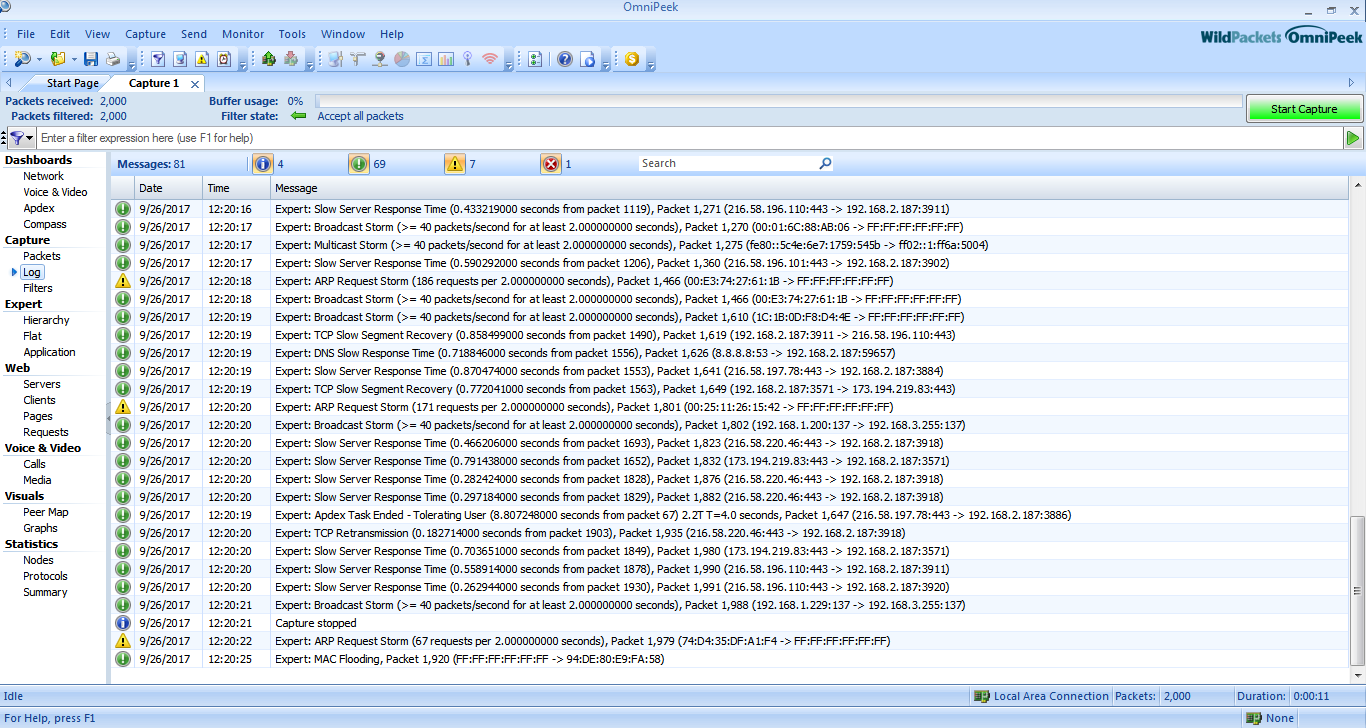 Filters
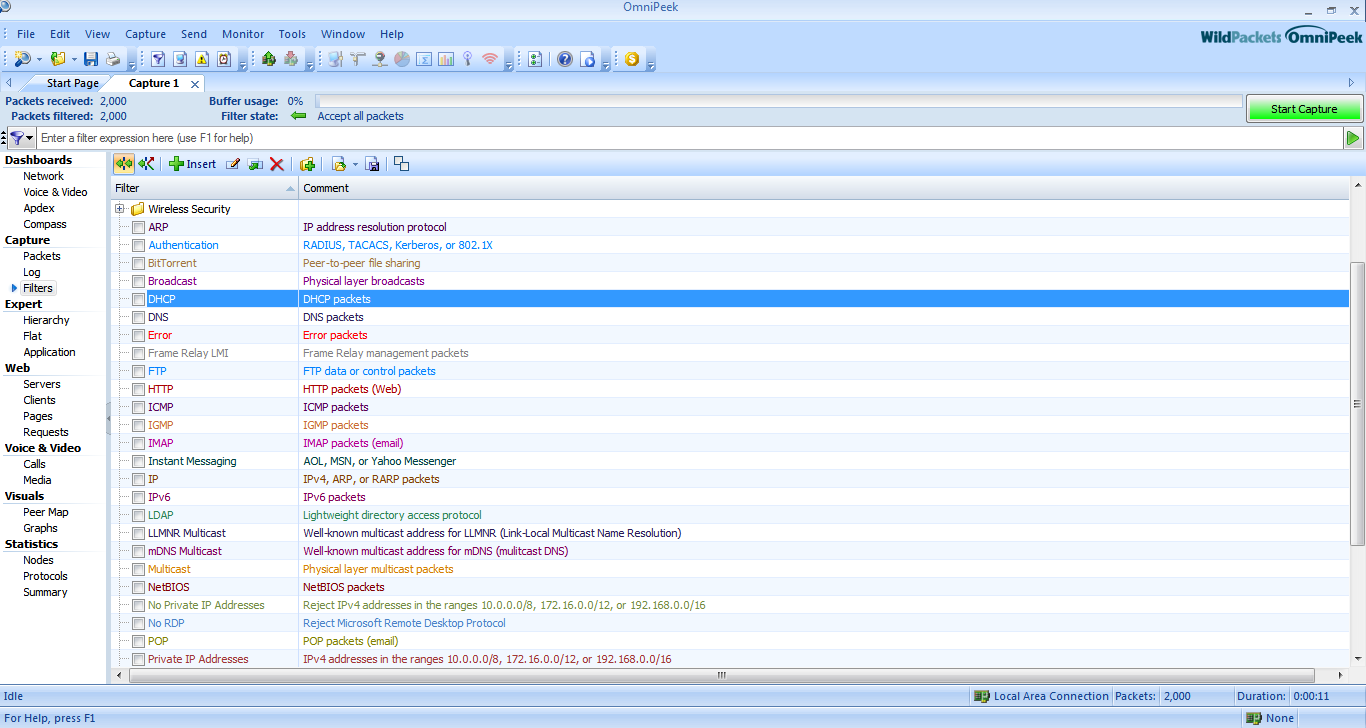 Hierarchy
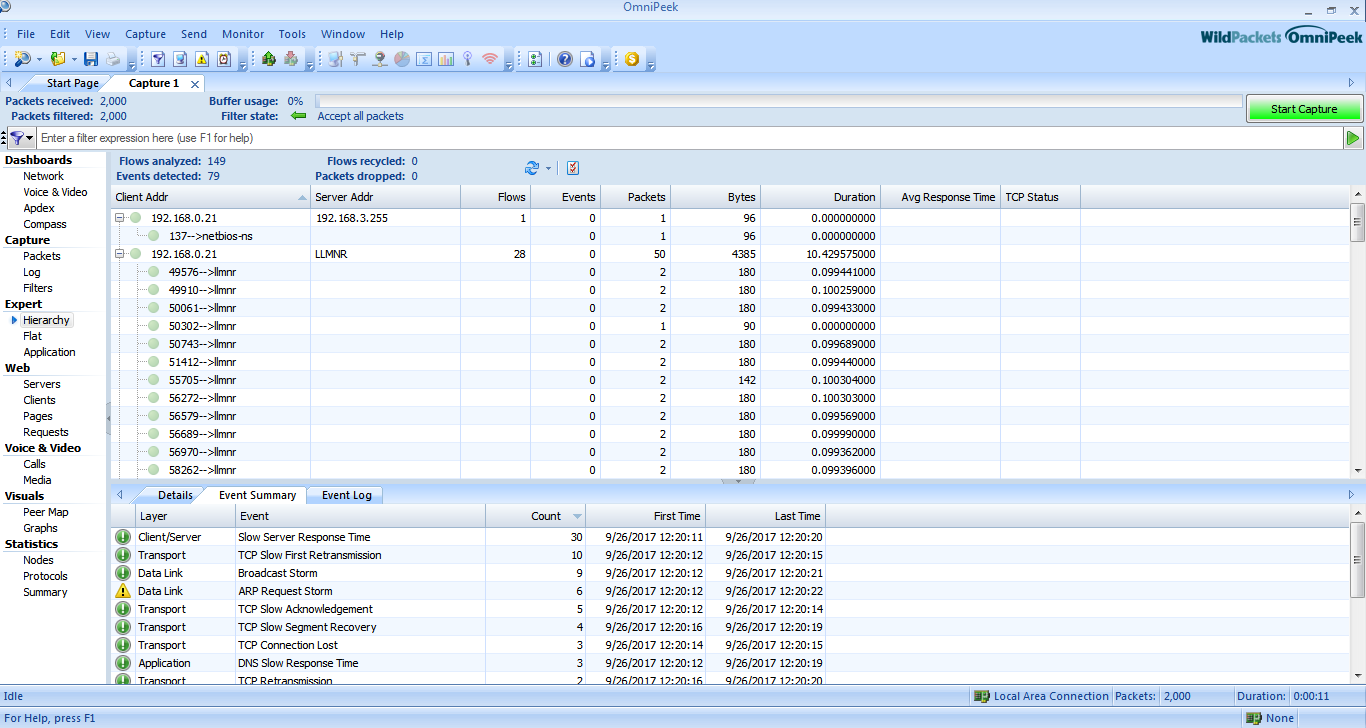 Flat
Flat
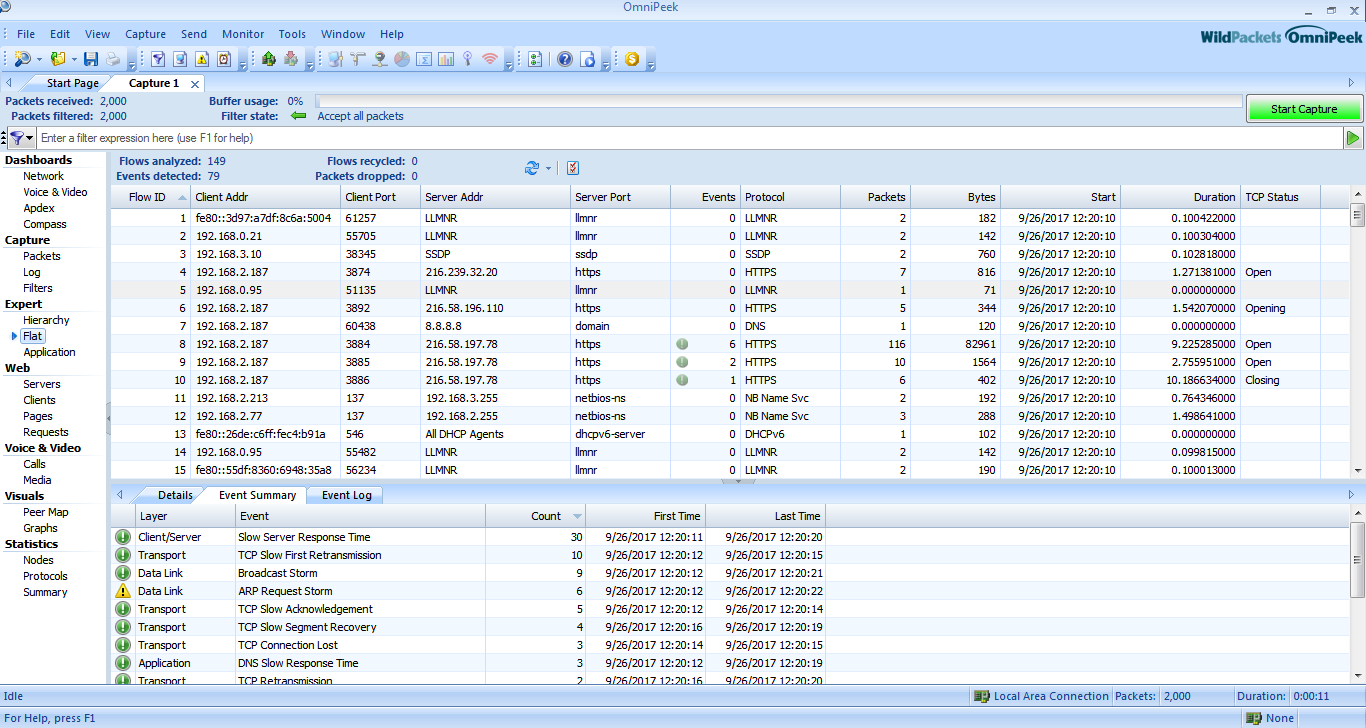 Applications
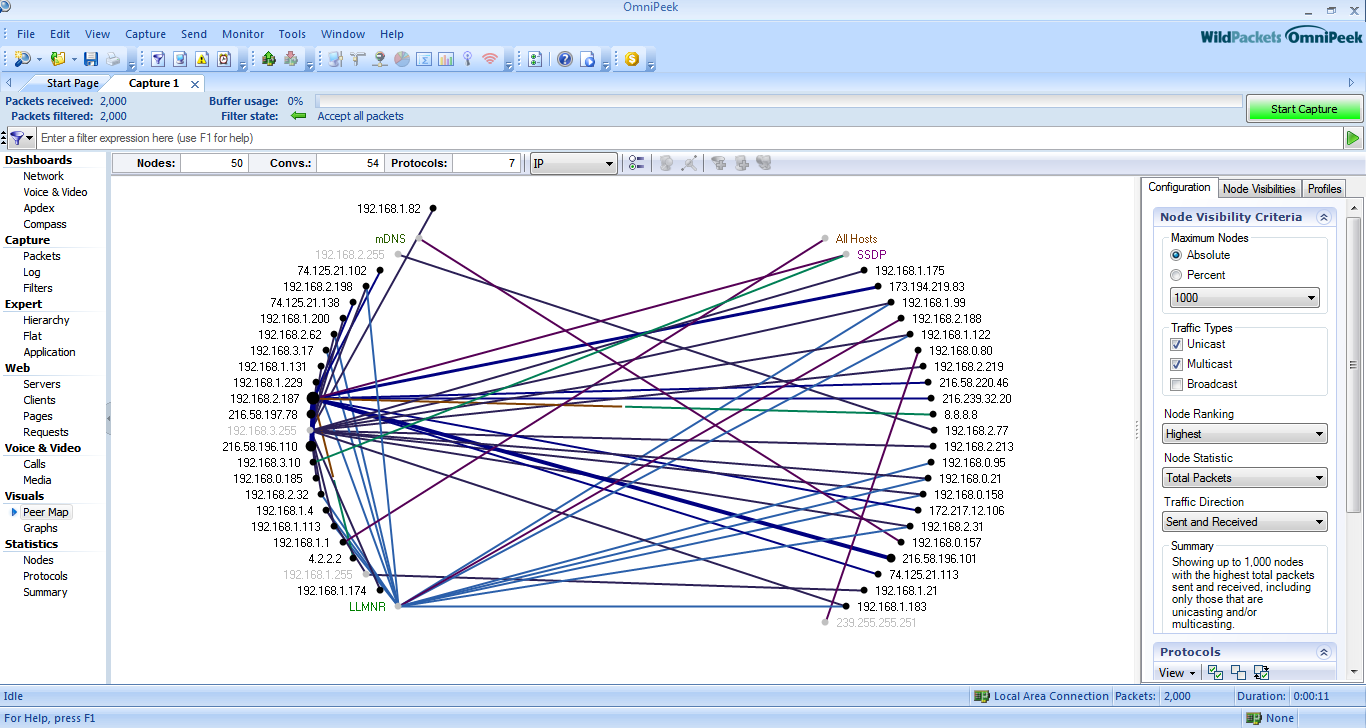
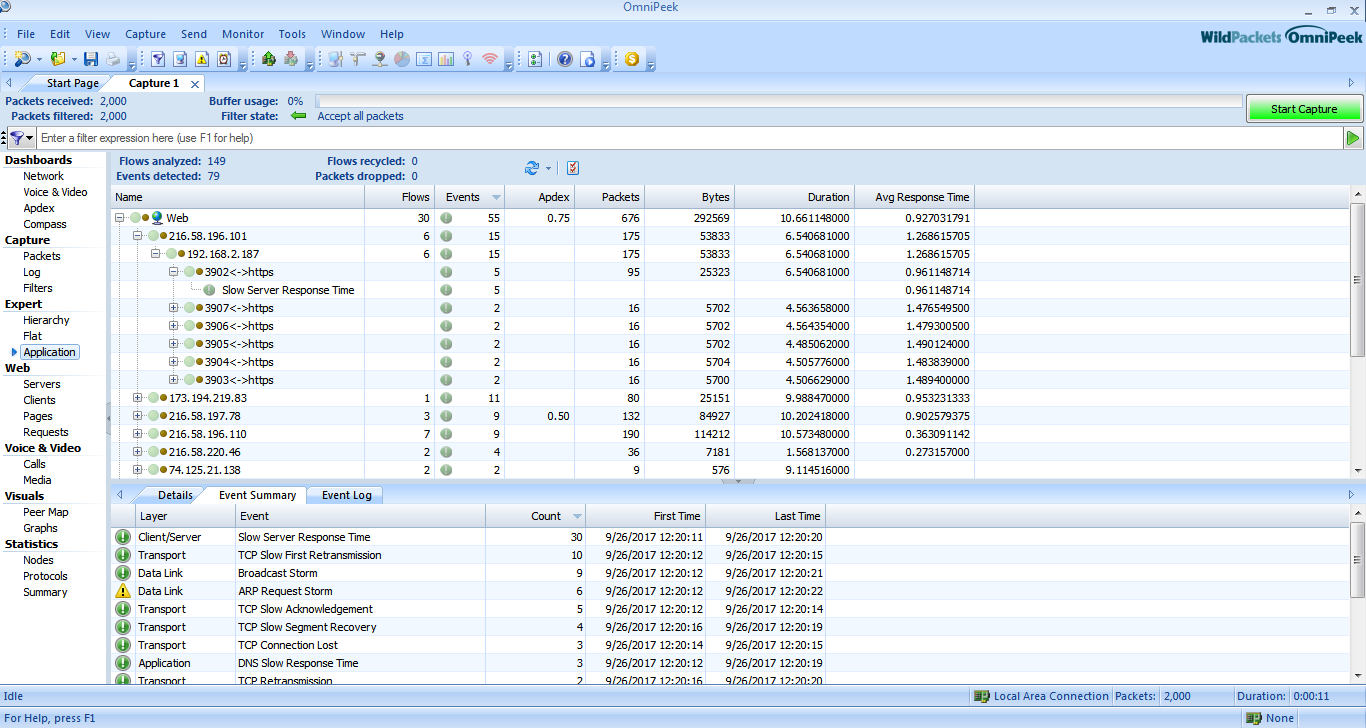 peer map
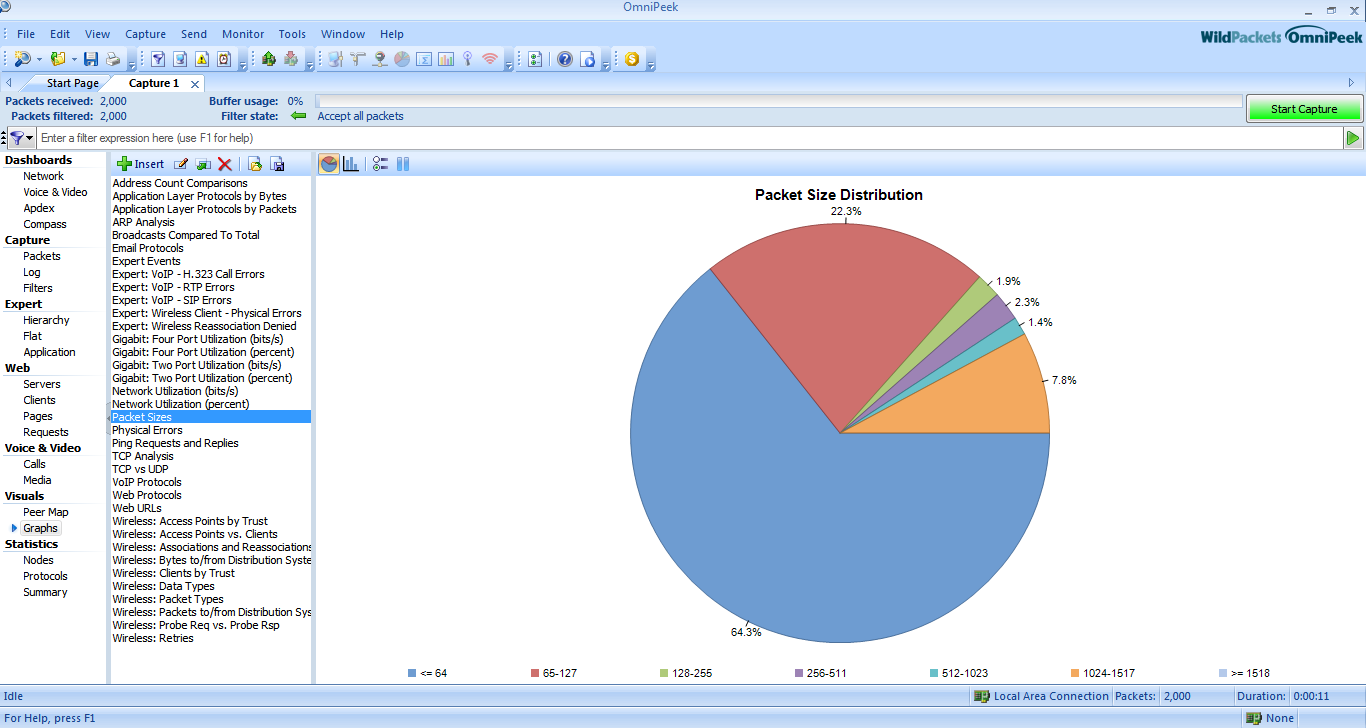
 Graphics
 Select IP --> Node Details
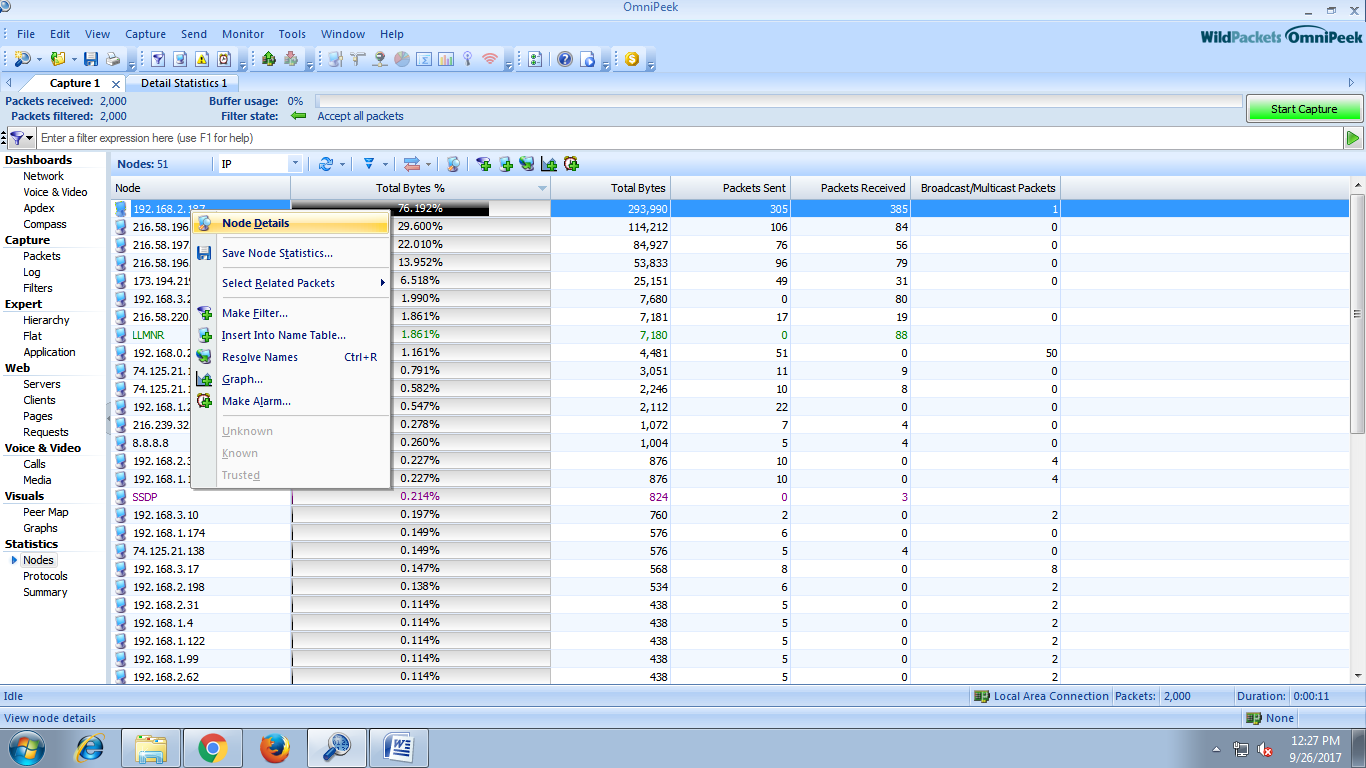 Details of IP address
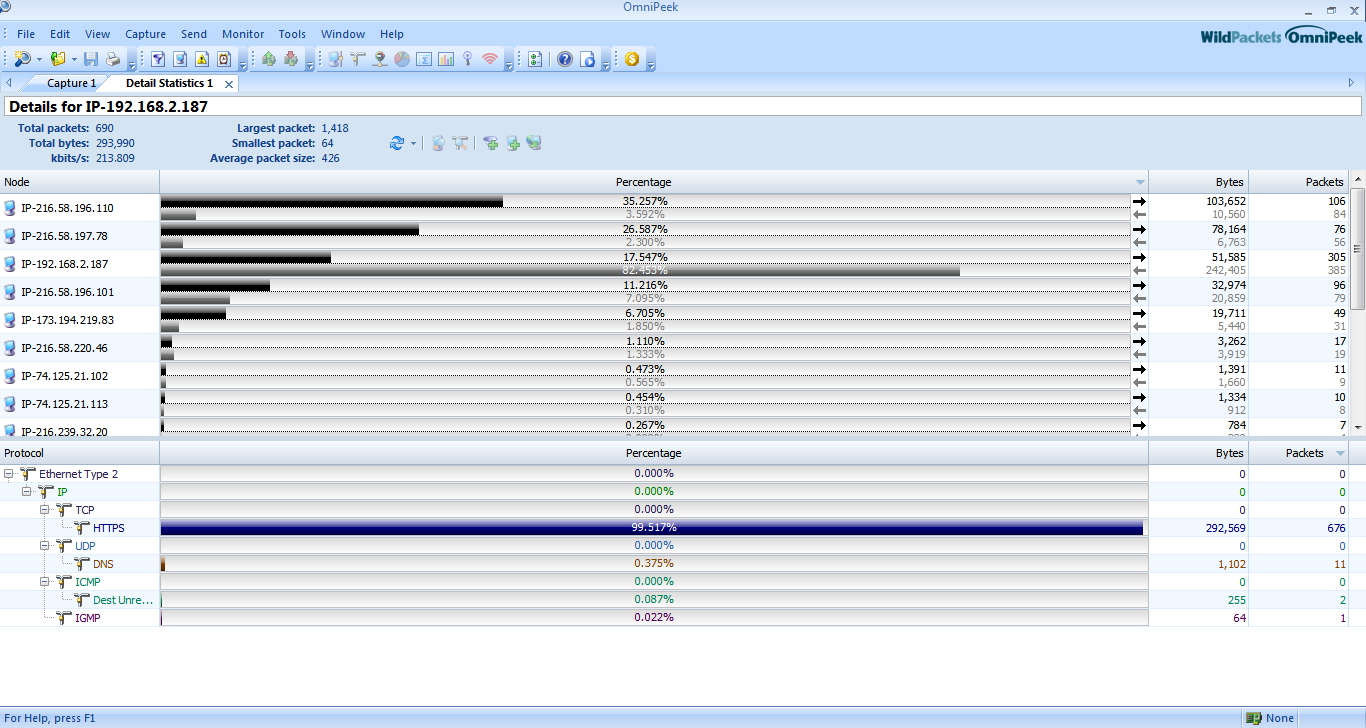 We can also know protocol used by the ip address.
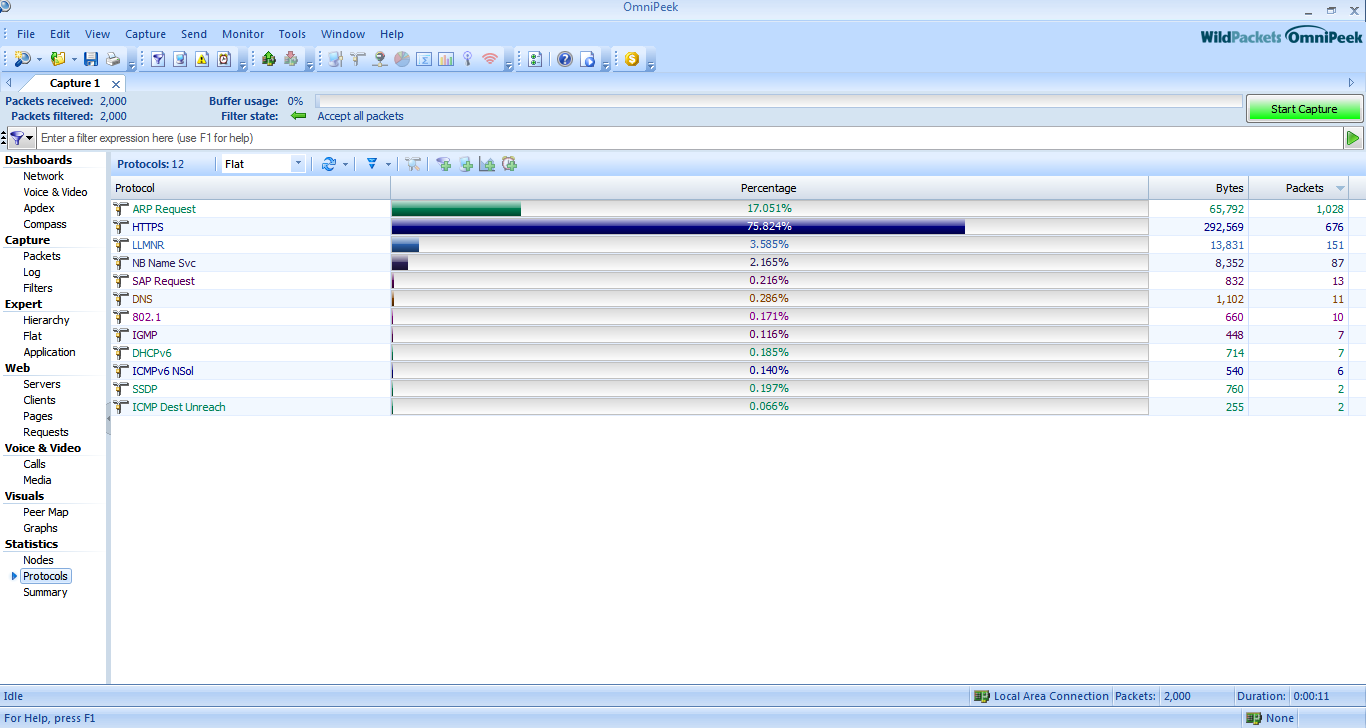
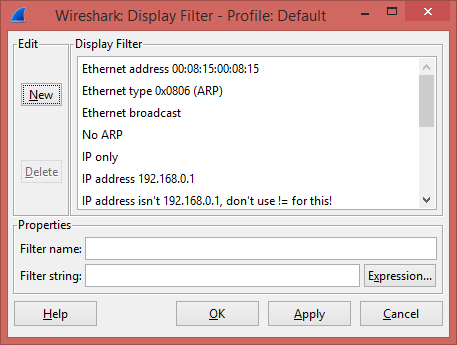
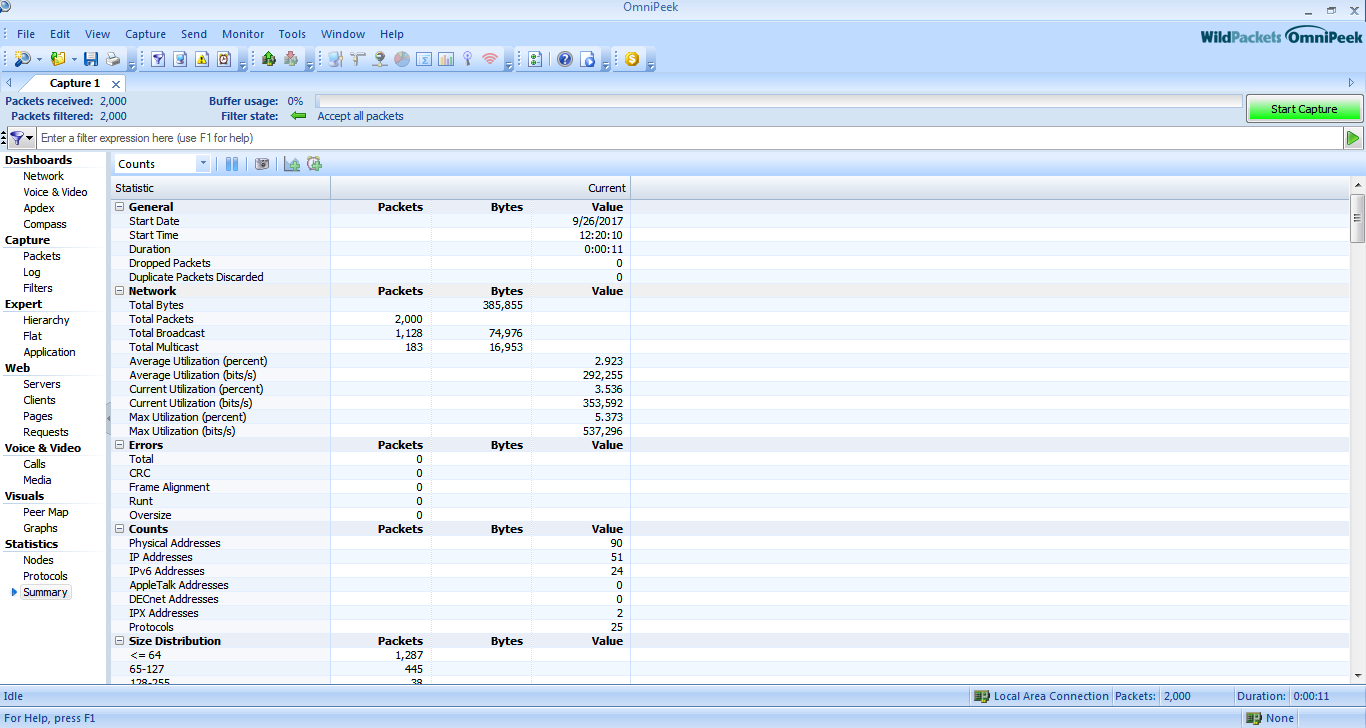 We can filter the packet by inserting some new rule.
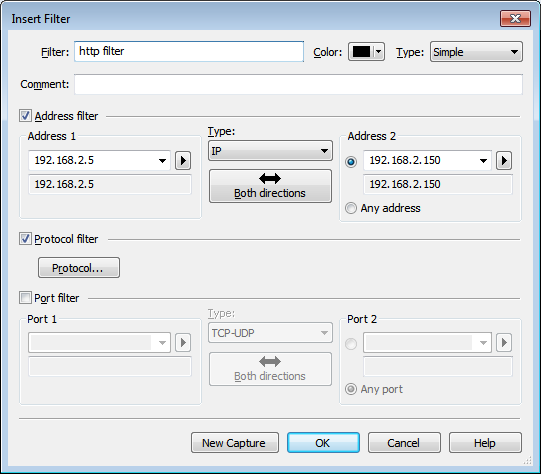 Click on new capture and click on start scanning
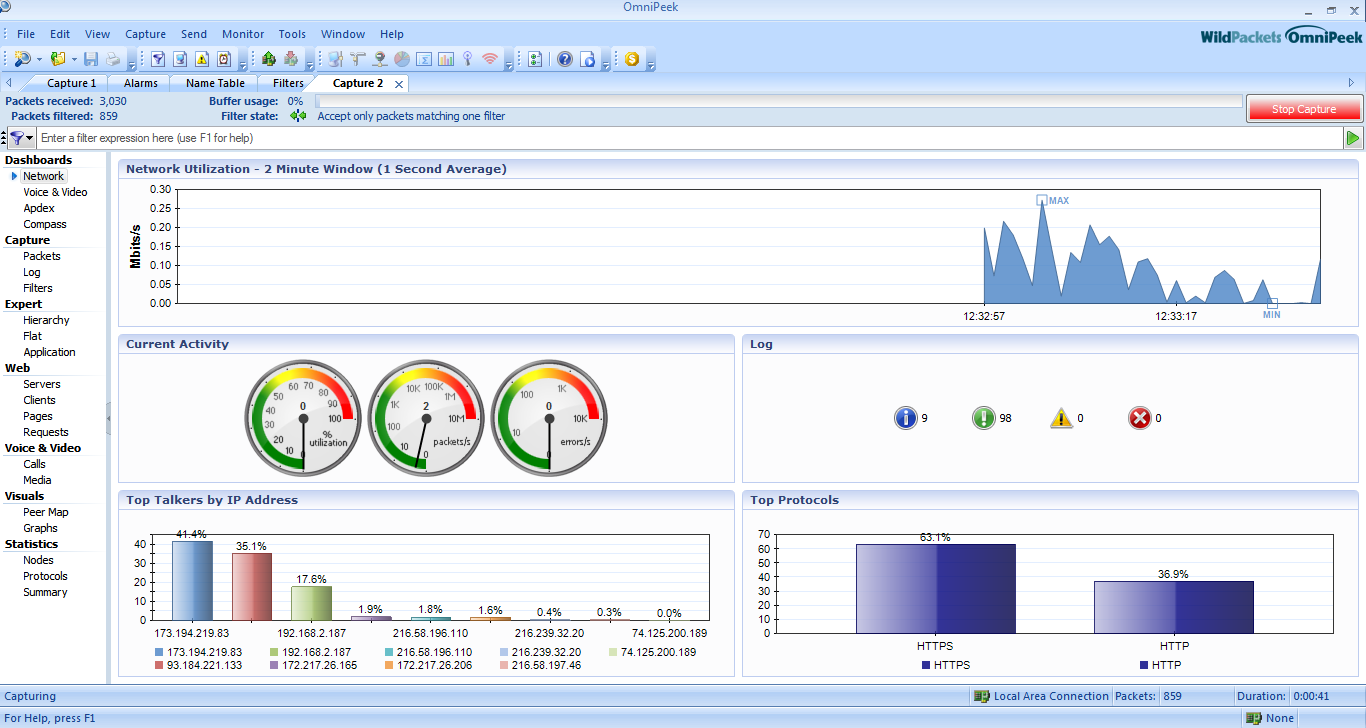
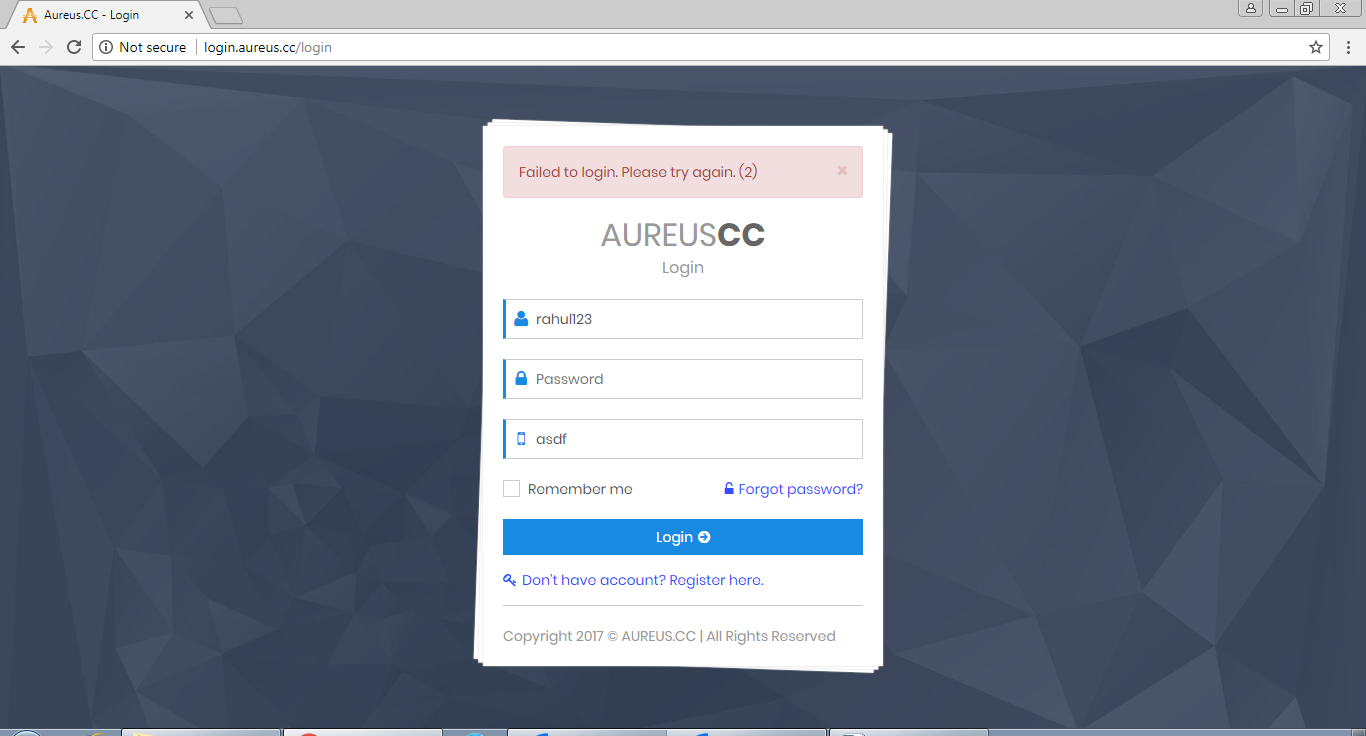 Open Wire-shark or https://www.wireshark.org/download.html .
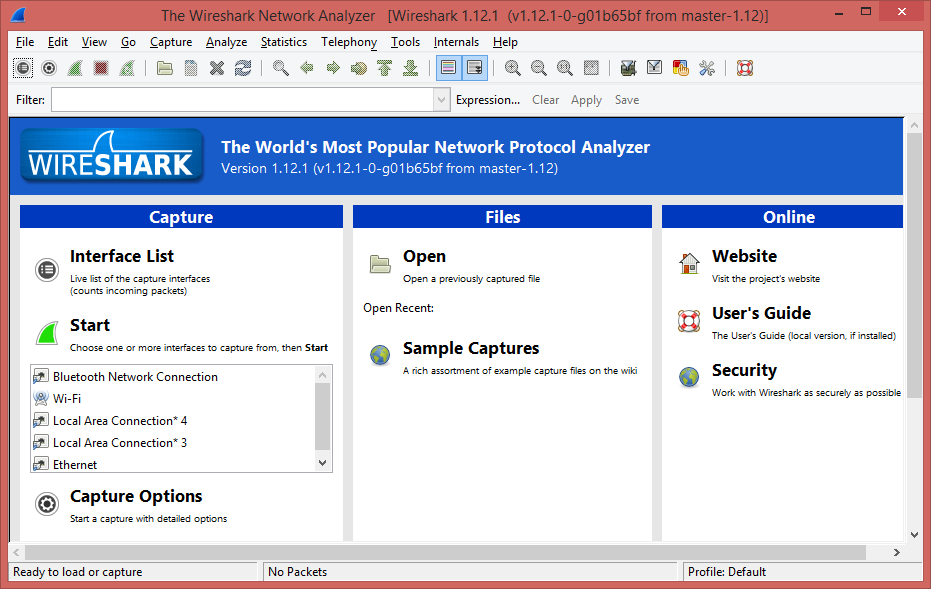 Select Interface
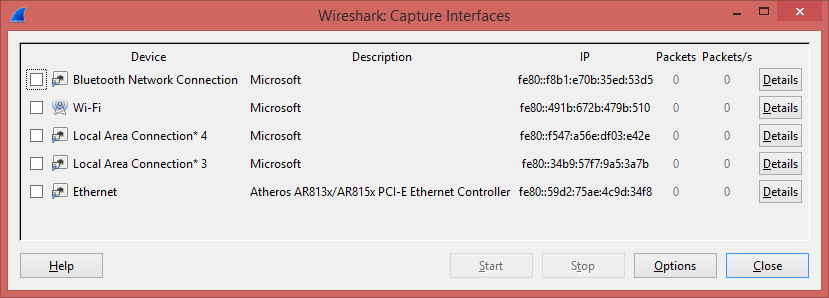 Start Scanning for Local Area Network Interface to capture packet.
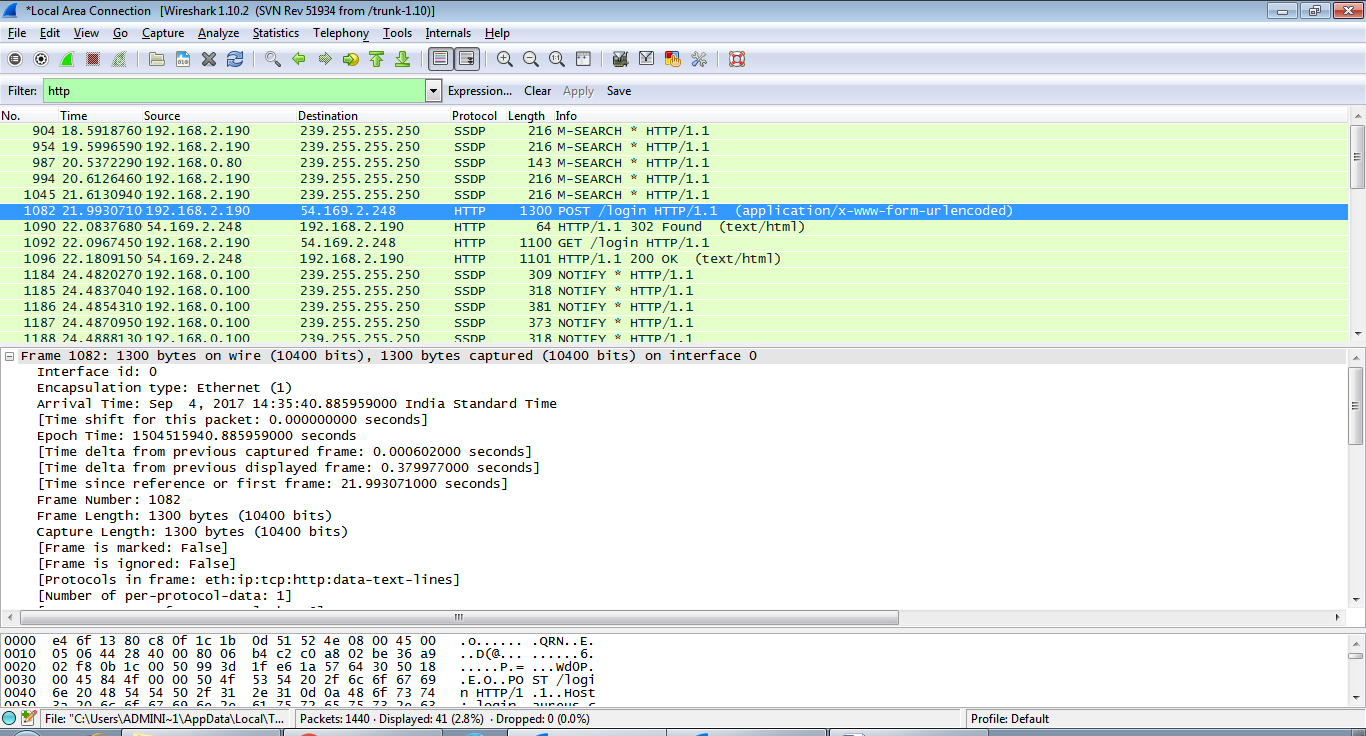 Filter HTTP Packet and look for GET and POST method.
 Find Line-Based Text Data in GET and POST Packet of HTTP.
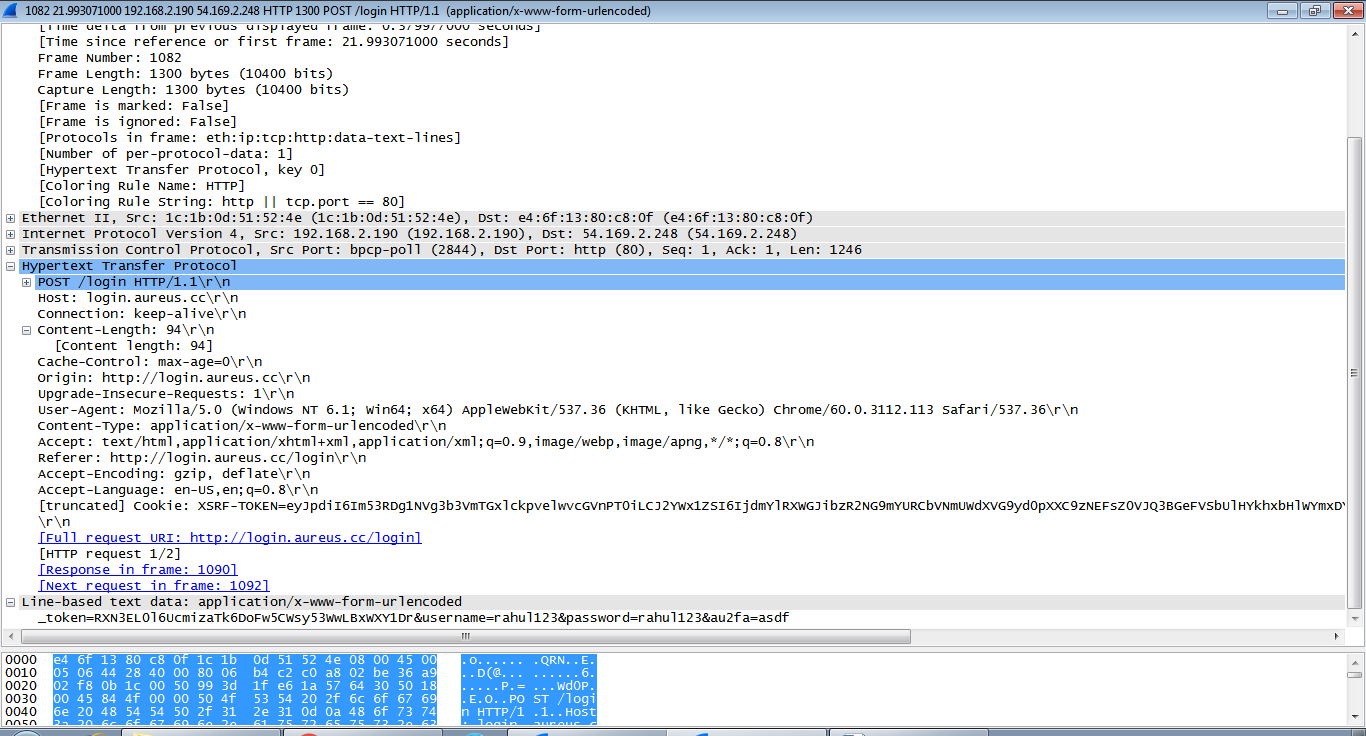 We can See User Id and Password in plain text.