wisemonkeys logo
FeedNotificationProfileManage Forms
FeedNotificationSearchSign in
wisemonkeys logo

Blogs

Malware Detection Techniques for Mobile Devices

profile
23_Jyoti Kushwaha
Aug 24, 2023
0 Likes
1 Discussions
117 Reads

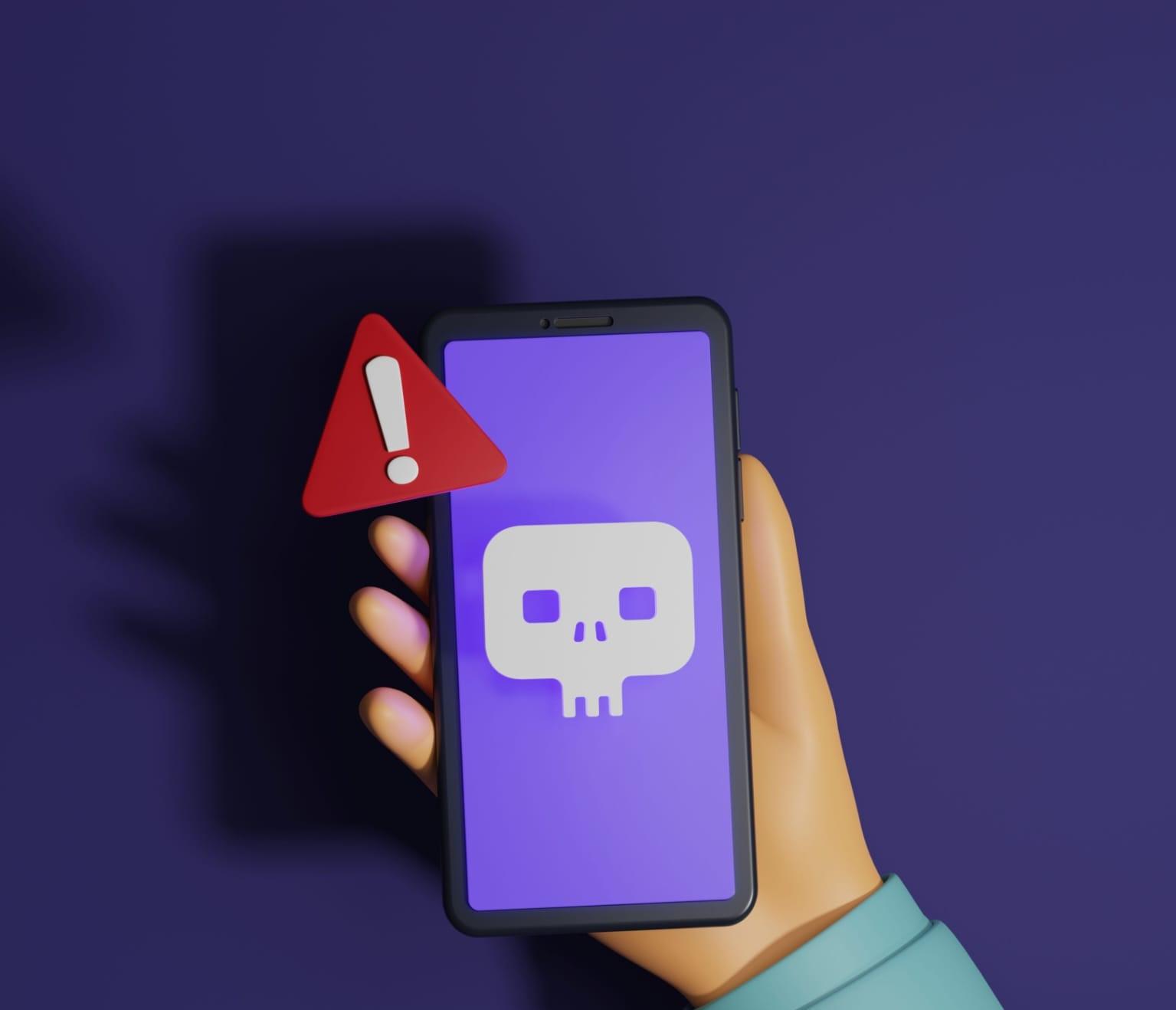
Mobile devices are equipped with a variety of tools and services and handle increasing amount of sensitive information. Like all information system, mobile are also infected by malware attacks. So, malware detection is very important to protect private data and mitigate attacks. This article will explain different malware and malware detection techniques used for mobile operating system.


What is Mobile Malware?                                                                                                                                                             

Mobile malware is malicious software specifically designed to target mobile devices, such as smartphones or tablets with the goal of gaining access to private data. There are many types of mobile malware variants and different methods of distribution and infection. However, as more sensitive informationand high-value task mobile are carried out, mobile threats are fast becoming a growing concern.


Types of Malware in mobile


Viruses and Trojans - There are many virus or trojans ready to attack your mobile phone. These viruses may have a fairly harmful payload, such as changing your phone's wallpaper or the language. Hoever, there are other malicious thing like mining for passwords and banking information.                                                                                                                      

Madware- Madware short form for mobile adware, usually finds its way onto a mobile phone through the installation of a script or program and often without the consent of user. The purpose of madware is to collect data from your phone in order to spam you with ads.                                                                                                                                                   

Mobile Phishing- Mobile Phishing are the one step forward and uses applications to deliver mobile malware. The user are unable to differentiate between a legitimate application and a fake application. The fake application collects account numbers, passwords and more.                                                                                                                                               

Drive-by-Downloads- If you open the wrong email or visit a malicious website, you could become the victim of a form of mobile malware known as the drive-by-download. These variants are automatically installed on your device and can unleash a large number of threats.                                                                                                                                           

Ransomware- Ransomware is one of the most prevalent cyber security threats that mobile device users face. This malware can infect and encrypt essential files and hold them hostage until a ransom is paid.                                             

Malware Detection Techniques                                                                                                                                              

Some types of malware detection types include -                                                                                                                     

Static-  static technique focus on detecting android malware by examining a file without running it on the system.           

Dynamic- dynamic technique refers to analysis of malware during runtime i.e while application is running.                       

Hybrid- After installing if application is found suspicious then feature are extracted and dynamic analysis is performed. If application is found then it will be uninstalled.                                                                                                                 

Permission-based- This technique develop a machine learning based malware detection system on android to detect malware application and to enhance security and privacy of smartphone users.                                                                     

Emulation- based-  It monitors the whole system by being out of execution environment hence malware will not be able to detect existence of antimalware installed on the device.                                                                                                           

Techniques to prevent malware                                                                                                                                             

 While mobile malware can deliver a serious payload. There are a number of things you can do to protect your device from infection.

 

  • Keep application updated- By running the newest version of every application on your mobile phone, you can ensure that you are running the version with the latest security patches and updates.                                                                       
  • Install mobile security software-Just like antivirus software protects a computer from viruses and malware, a mobile security application will do the same thing.                                                                                                                               
  • Consider a Firewall- The majority of mobile phones do not include any type of firewall protection. Firewalls not only protect your online privacy when browsing, but can be used to only allow authorized apps to access the internet through a set of firewall rules.                                                                                                                                                           
  • Use screen lock protection- Many mobile devices are compromised when they are lost and stolen. Ensure at the very least that a passocode is used to lock a screen. Even better use facial recognition or fingerprint recognition technology.   
  • Only download apps from official stores- download the apps only from the Google play store because they make sure that they are safe. There are better chances of installing a legitimate app through the office sources.                                   
  • Pay attention to the security of WI-Fi networks you use to access data- In general WI-Fi networks are insecure. If a user is accessing corporate data using a free Wi-Fi connection at an airport the data may be exposed to malicious users.   
  • Be Aware of text messages- Text messages are an easy target for mobile malware, so it is advisable that users do not send sensitive data such as credit card detail or private information by text.                                                                                                                                                       


Comments ()


Sign in

Read Next

Zomato (Income Sources)

Blog banner

Lucidchart

Blog banner

Rock, Paper, Scissors Game in Common Lisp

Blog banner

Dekkers Algorithm : Ensuring Safe Process Synchronization

Blog banner

Uniprocessor scheduling

Blog banner

Blockchain

Blog banner

Ethical Issues in Data Science and Role of Data Science in Smart Cities

Blog banner

Memory Management

Blog banner

Data carving - using hex editor

Blog banner

Network Forensics

Blog banner

Socket Programming in Java

Blog banner

Classification Algorithms (Decision trees, SVM, Logistic regreession)

Blog banner

Social Network Analysis: Ek Naya Nazariya Data Science Mein

Blog banner

Water Resources are about to exhaust...

Blog banner

Direct Memory Access

Blog banner

Predicting Student Performance with Data Science

Blog banner

ADIDAS

Blog banner

Deadlock and Starvation

Blog banner

Why Consistency in Eating Habits Matters and How Meal Maharaj Makes It Easy

Blog banner

Heart Fulness Meditation

Blog banner

Fitness

Blog banner

6 Digital Marketing Trends You Must Watch Out For In 2022

Blog banner

MODERN OPERATING SYSTEM

Blog banner

Security in Cloud Computing

Blog banner

Characteristics of Etherum

Blog banner

Satellite Based Positioning

Blog banner

Password Generator - Lisp

Blog banner

Predictive Analysis - Ek Overview

Blog banner

Difference Between Classification And Clustering

Blog banner

Inventory management software system

Blog banner

Data Mining

Blog banner

Rules and Regulations of Networking: "Standards and Protocols" - Part 2

Blog banner

Memory Management

Blog banner

MODERN OPERATING SYSTEM

Blog banner

Evolution of Operating system.

Blog banner

A little bit of salt is all the hash needs!

Blog banner

Types of E-Commerce

Blog banner

Direct Memory Access

Blog banner

File system

Blog banner

Objectives and functions of Operating System...

Blog banner

Smartphone Security: Vulnerabilities and Attacks

Blog banner

Introduction to GIS

Blog banner